By the time a serious property buyer walks into a sales gallery, the conversation has usually moved beyond “What is this project?”
They have already seen the website. They may know the configuration they want. They have compared competing developments, checked the location and probably arrived with a fairly specific set of questions.
Which floor gives me the better view? How does this tower sit within the overall project? What is actually around the development? Where are the amenities? What will the apartment feel like before it is built?
This is where a virtual sales gallery for real estate needs to do more than display attractive property visuals.
Its role is to help the buyer move from interest to understanding.
For developers, that means designing the sales-gallery experience around the decisions a serious buyer needs to make not around the number of screens, renders or features available.
What Is a Virtual Sales Gallery in Real Estate?
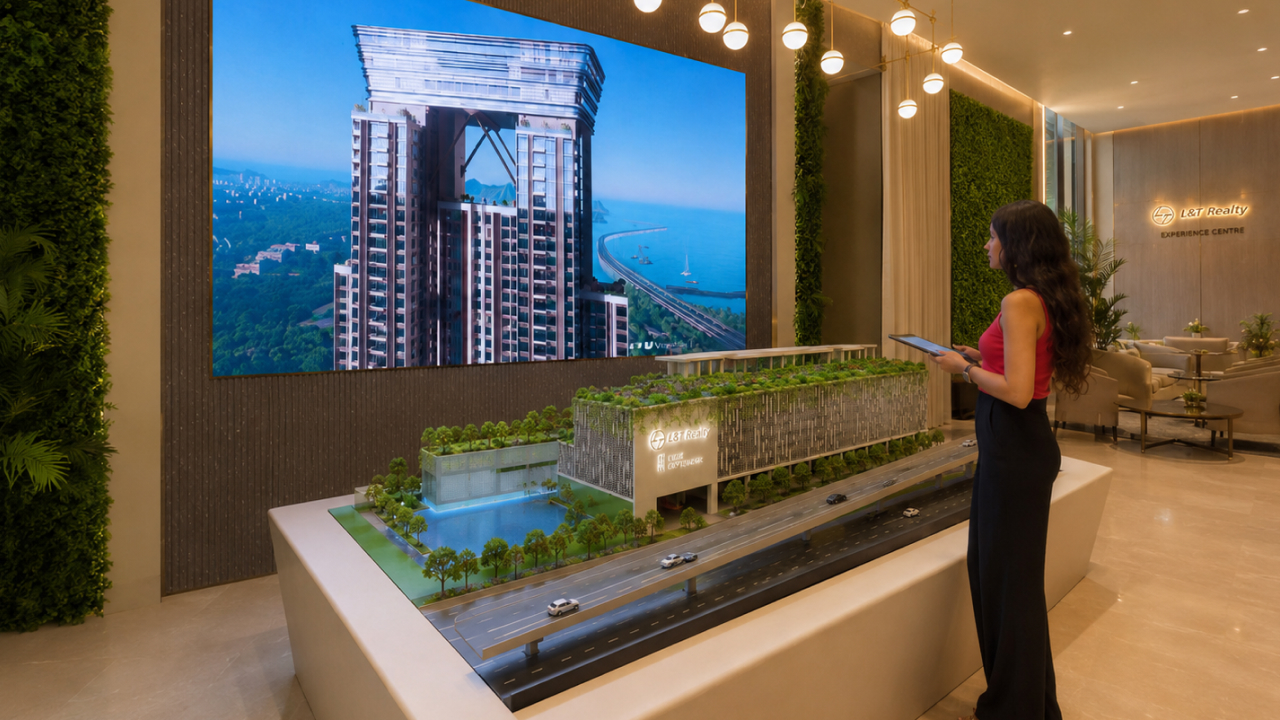
A virtual sales gallery is an interactive property presentation environment that brings different parts of a real estate project into one structured sales journey.
Depending on the development, it can include:
- Project and master-plan exploration
- Building and tower visualization
- Interactive vicinity mapping
- Floor and unit selection
- Interior walkthroughs
- Window-view visualization
- Amenities
- Lighting or time-of-day experiences
- Project information
- Guided sales presentations
- Remote web-based property exploration
The important word here is structured.
A virtual sales gallery should not feel like a collection of disconnected technology features. Each part should help answer a buyer question and move the discussion naturally towards the next one.
Why High-Intent Buyers Need a Different Sales Experience
A buyer seeing an advertisement and a buyer visiting a sales gallery are at two very different stages.
The first needs attention.
The second needs clarity.
High-intent prospects are often comparing details rather than discovering the project for the first time. They want to understand differences between towers, units, floors, views, amenities and locations.
A sales gallery therefore has a more demanding job than a marketing campaign.
It has to help buyers evaluate.
That is where brochures and static renders can begin to fall short.
A brochure may show a beautiful clubhouse. But it may not explain where the clubhouse sits in relation to the buyer's tower.
An exterior render may show the skyline beautifully. It cannot necessarily answer what someone will see from the 25th floor of a particular apartment.
A location map may contain every nearby landmark. It may still leave buyers uncertain about actual connectivity.
A digital sales gallery can bring those questions into one connected conversation.
Virtual Sales Gallery vs Virtual Property Tour: What Is the Difference?
The terms are sometimes used interchangeably, but they solve different problems.
A virtual property tour primarily helps someone explore a space.
A virtual sales gallery supports the wider property sales conversation.
The property tour may therefore be one part of the sales-gallery experience.
For example, an apartment walkthrough can help buyers understand room proportions and interiors. But a serious purchasing decision may also require them to understand:
- The complete development
- Tower positioning
- Floor selection
- Views
- Amenities
- Vehicular and pedestrian access
- Surrounding infrastructure
- Travel connectivity
- Future development context
A well-designed real estate virtual sales gallery connects these elements rather than treating each as a separate presentation.
Start With the Development, Not the Apartment
One of the easiest mistakes in real estate visualization is beginning too deep in the project.
A beautifully rendered apartment means relatively little if the buyer does not yet understand where that apartment sits within the development.
The sales journey should establish context first.
Show the overall site.
Let buyers understand the number of towers, building orientation, entrances, landscaped areas, amenities and major circulation routes.
For larger developments, this is particularly important.
If there are several towers or multiple phases, buyers need a clear mental picture before moving down to individual units.
Think of it as moving from project, tower, floor, unit, rather than immediately jumping into an apartment walkthrough.
Use Vicinity to Answer Real Questions About Location
“Prime location” tells a buyer very little.
Location becomes valuable when someone understands how the development connects to places that matter to them.
A virtual sales gallery can make vicinity more useful by allowing different layers of information to be explored.
For example:
- Major roads
- Railway or metro connectivity
- Business districts
- Schools
- Hospitals
- Shopping and entertainment
- Airports
- Upcoming infrastructure
- Relevant neighbourhood landmarks
The objective is not to fill a map with pins.
It is to help a salesperson respond when the buyer asks, “How will I actually get from here to where I need to go?”
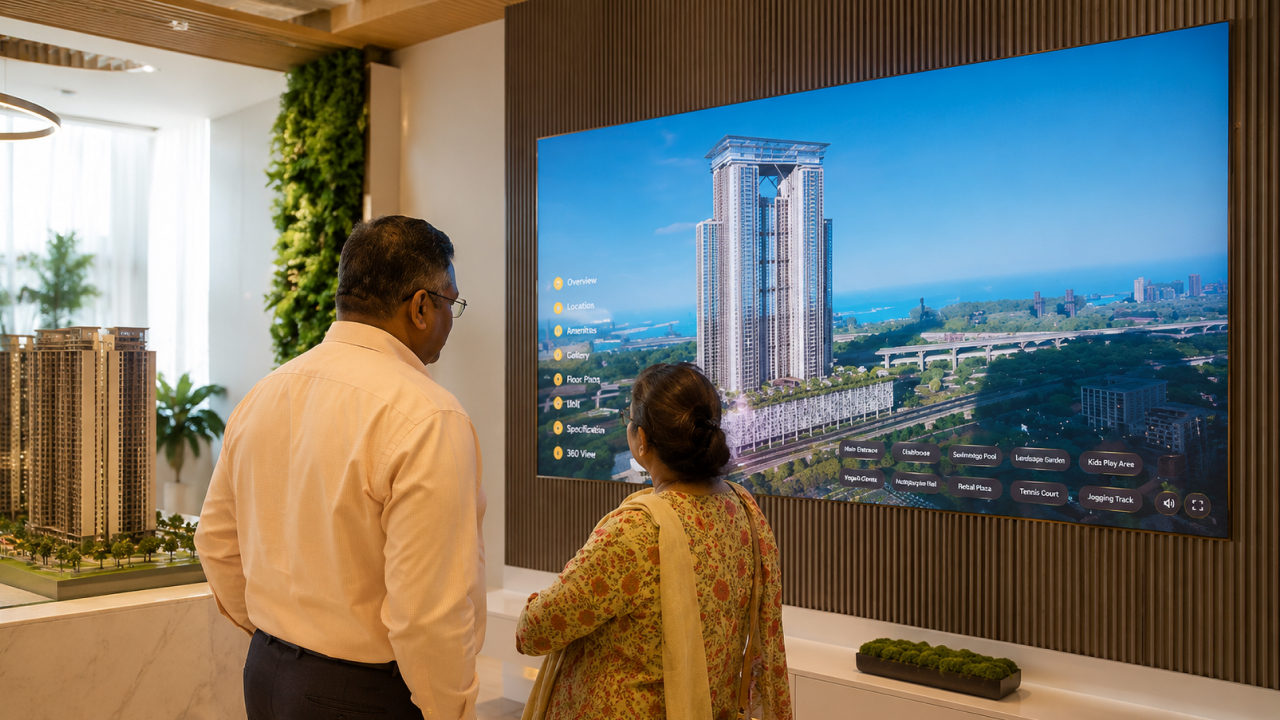
At L&T Island Cove in Mahim, Vestate's interactive implementation included a dedicated vicinity section covering local infrastructure, landmarks, connectivity and future developments around the project.
That is far more useful in a sales discussion than treating location as one final slide in a presentation.
Let Buyers Narrow Their Interest Naturally
Once the overall development is understood, the conversation becomes more personal.
A buyer may prefer a particular tower.
Then a particular side of that tower.
Then a floor range.
Then a configuration.
The virtual sales gallery should support this narrowing process without forcing the salesperson to jump between separate PDFs, floor plans, videos and render folders.
The experience should allow the conversation to move naturally from the wider project towards the specific property the buyer is considering.
This is where interactive visualization has a practical advantage.
Instead of asking prospects to imagine how several pieces of information connect, the salesperson can show those relationships directly.
Make the Interior Walkthrough Relevant to the Decision
An interior walkthrough should not simply be there because 3D interiors look impressive.
It should answer questions.
How does someone enter the apartment?
How does the living room connect to the balcony?
How are bedrooms distributed?
Does the dining area feel connected or separate?
Where does daylight enter?
What can someone see from a particular room?
A useful interactive sales gallery gives buyers the freedom to spend time on the parts of the home they care about rather than forcing them through a predetermined video sequence.
This is particularly important for under-construction developments where physical sample apartments may represent only a small selection of the available configurations.
Views Can Become Part of the Buying Conversation
For many high-rise developments, the view is not a secondary detail.
It is part of the product.
But buyers are often asked to understand it from a floor plan, a photograph or a salesperson's explanation.
Interactive visualization can make that conversation much more specific.
At L&T Island Cove, for example, the project's views towards the Bandra-Worli Sea Link and surrounding mangroves were an important part of the property story. Vestate's implementation included actual window-view visualization within the interior-unit experience.
This changes the question from:
“Does this apartment have a good view?”
to something more useful:
“What would I see from the unit I am actually considering?”
For high-intent buyers, that specificity matters.
Amenities Need Context Too
Most premium projects already have strong amenity lists.
The problem is rarely the lack of amenities.
The problem is helping buyers understand them.
A brochure may say the project has a gym, clubhouse, pool, children's zone, landscaped deck and several social spaces.
- But where are they?
- How large are they?
- Which tower is closest?
- How do the areas connect?
- What kind of environment is being created?
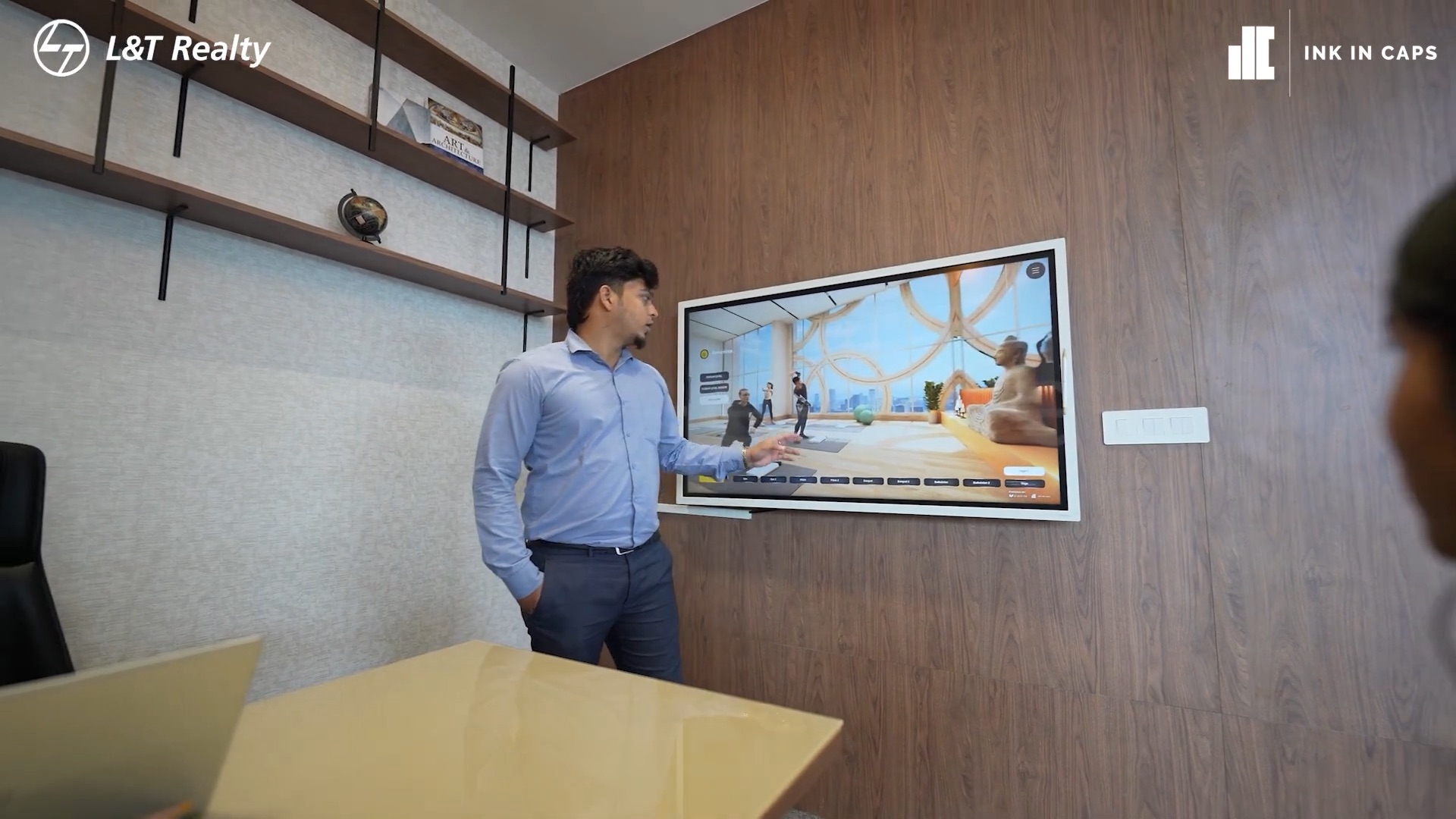
A virtual sales gallery can organise amenities spatially rather than presenting them as another checklist.
That is particularly useful for large developments where the amenity experience is spread across podiums, clubhouses, landscapes or multiple levels.
The objective should be to help buyers understand the lifestyle proposition not simply count facilities.
The Salesperson Should Still Lead the Conversation
A good virtual sales gallery does not replace the sales representative.
It makes the representative better equipped.
This distinction matters.
High-value property purchases involve questions, hesitation, comparison and discussion. Buyers often jump between subjects.
They may ask about connectivity and then suddenly return to a particular floor plan.
They may compare two towers before asking about a clubhouse.
They may want to see an apartment again after understanding the view.
The technology should allow that non-linear conversation.
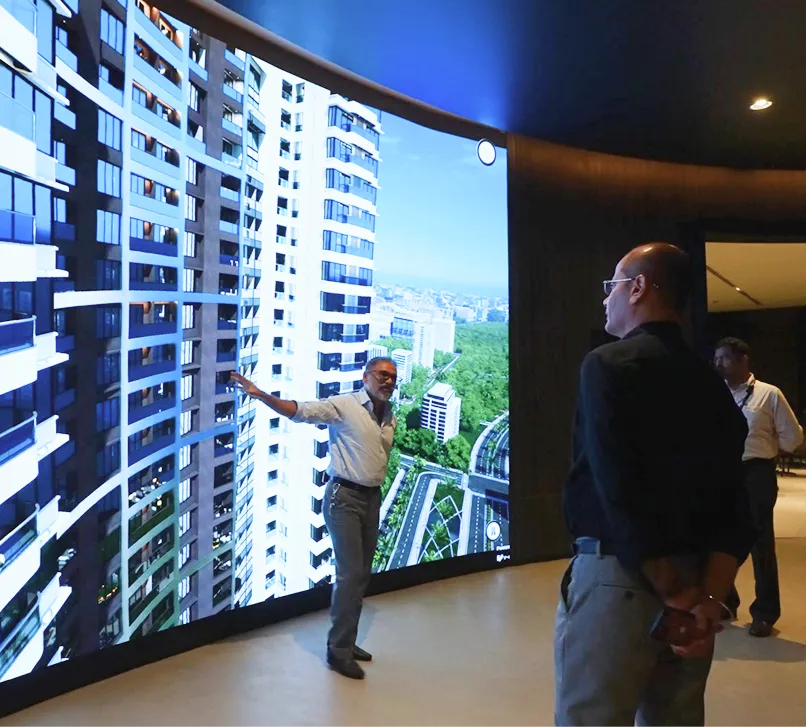
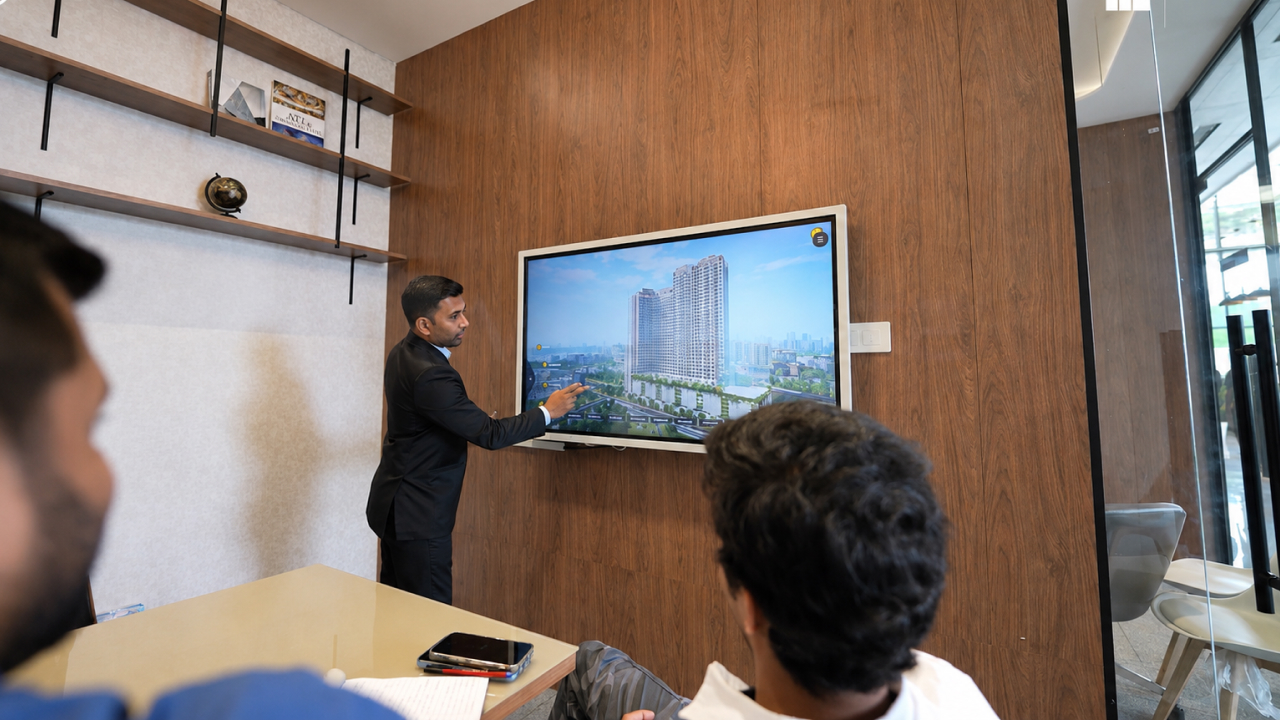
At L&T The Gateway in Sewri, Vestate's interactive software was deployed across five dedicated sales meeting rooms, with 55-inch touchscreen displays and iPad-based controls for sales professionals.
The setup is a useful example of how the screen can support the meeting while the salesperson remains in control of the customer conversation.
The experience should feel like a discussion around the project not a technology demonstration.
A Virtual Sales Gallery Should Also Handle Project Complexity
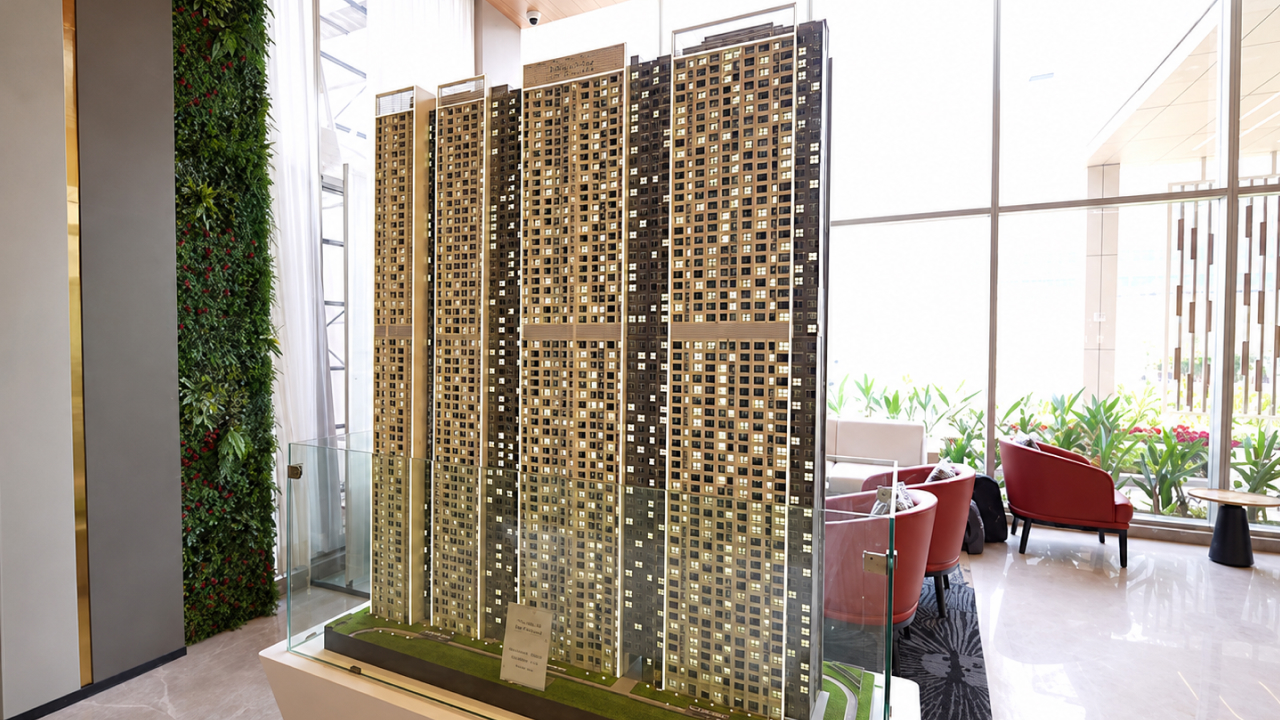
The value becomes even clearer when the project itself is difficult to explain.
Consider a multi-tower development being launched in phases.
The buyer may be purchasing in the first phase but still wants to understand what the completed project will eventually become.
Where will future towers sit?
How will amenities relate to later phases?
What will the overall skyline look like?
How does the current launch fit into the larger development?
For L&T Evara Heights in Thane, Vestate was tasked with communicating a five-tower project while explaining both the initial launch and future development phases. The experience included exterior visualization, amenities, vicinity mapping, interior exploration and a web-based extension.
This is precisely the kind of situation where static sales material can become fragmented.
An interactive environment can keep the complete project story together.
Remote Buyers Should Not Receive a Weaker Version of the Experience
International buyers, NRIs and outstation prospects may not be able to visit the physical sales gallery during the early stages of consideration.
That does not mean the project should be reduced to a PDF and video call.
A web-based virtual sales environment can extend important parts of the same project story beyond the physical gallery.
At Island Cove, Vestate developed a web version alongside the in-gallery deployment for remote and international buyers.
The Gateway similarly included a web-based sales tool that allowed sales representatives to conduct guided remote sessions.
This gives developers a useful principle to work with:
The buyer journey should remain recognisable whether the prospect is sitting inside the sales gallery or joining remotely.
What Should a Real Estate Virtual Sales Gallery Include?
There is no universal feature list.
The right experience depends on what is difficult to communicate about the project.
A development whose strongest advantage is its location may need a much stronger vicinity experience.
A sea-facing tower may require detailed window views.
A large township may need master-plan and phase visualization.
A premium residential project may need more emphasis on interiors, amenities and lifestyle.
Before choosing technology, developers should therefore ask:
- What questions do buyers repeatedly ask?
- Which aspects of the project are hardest to explain?
- Which information currently requires several different sales assets?
- What differentiates this development from nearby competition?
- Which aspects cannot yet be experienced physically?
- What information does the salesperson need most during a serious discussion?
The answers should shape the virtual sales gallery.
Not the other way around.
How to Structure the High-Intent Buyer Journey
A practical sales-gallery journey can follow seven stages.
1. Establish the Project
Introduce the development, architecture, positioning and overall scale.
2. Explain the Location
Show meaningful connectivity, infrastructure and surrounding context.
3. Explore the Master Plan
Help buyers understand towers, entrances, amenities, landscapes and circulation.
4. Narrow the Selection
Move into the tower, configuration, floor or unit relevant to the buyer.
5. Experience the Property
Explore interiors, layouts, views and relevant lighting conditions.
6. Understand the Lifestyle
Present amenities and shared spaces in the context of the complete development.
7. Return to the Decision
Compare shortlisted options and continue the commercial discussion with a clearer shared understanding of the property.
It sounds simple.
That is exactly the point.
The best sales-gallery experience should make a complicated real estate project easier to discuss.
What Should Developers Measure?
A virtual sales gallery should eventually prove its value through the sales process.
But developers should avoid judging it only by how impressive the technology looks.
More useful questions include:
- Can sales teams answer buyer questions faster?
- Are buyers understanding the master plan more easily?
- Do serious prospects require fewer repeated explanations?
- Are remote buyers receiving enough context to progress?
- Are sales representatives using the platform consistently?
- Which project modules receive the most attention?
- Does the experience help buyers narrow their shortlist?
- Is the discussion moving more naturally towards specific units?
These indicators are often more meaningful than simply measuring screen engagement.
The purpose of the gallery is not to keep someone touching a display for as long as possible.
It is to improve the quality of the property conversation.
A Better Sales Gallery Starts With Buyer Questions
There is a temptation to design real estate experience centres around hardware.
A large LED here.
A touchscreen there.
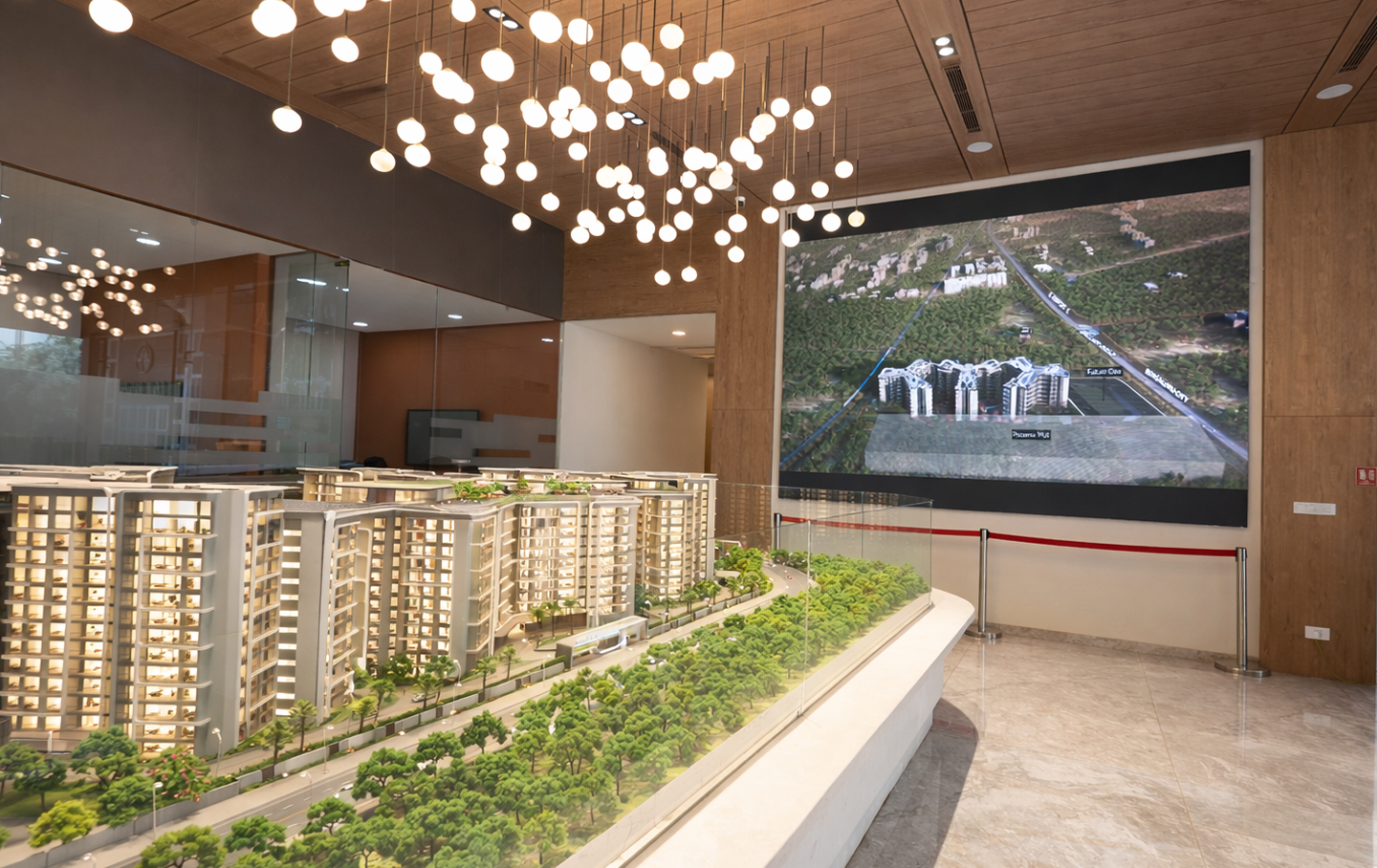
A scale model in the middle.
An interactive table somewhere else.
The result can look technologically sophisticated while still leaving buyers with the same unanswered questions.
A stronger approach starts in reverse.
Identify the buying questions first.
Then decide which information needs to be visualized.
Then determine the right interface, screen or physical environment for presenting it.
That is how a virtual sales gallery for real estate becomes part of the sales strategy rather than another installation inside the showroom.
The Goal Is Not More Technology. It Is More Clarity.
High-intent buyers do not usually need more marketing.
They need enough clarity to become comfortable with a decision involving significant money, time and trust.
They want to understand the development.
They want to compare options.
They want answers that relate specifically to the property they are considering.
A well-structured virtual sales gallery gives sales teams a way to provide that clarity while keeping the conversation centred on the project.
From the wider location to the master plan, from tower selection to unit exploration, from amenities to the final window view, every part should answer a genuine buyer question.
That is when a digital sales gallery stops being a visual showcase.
It becomes a working sales environment.
Build a Virtual Sales Gallery Around the Way Buyers Actually Decide
Vestate creates interactive real estate sales environments that bring project visualization, vicinity, amenities, unit exploration, views and guided presentation tools into a connected buyer journey.
If your sales team is still moving between brochures, renders, videos and disconnected presentations to explain one project, there is a simpler way to structure the conversation.
Explore Vestate's real estate experience-centre and interactive sales-gallery solutions, or book a demo to see how your project could be presented to buyers more clearly.