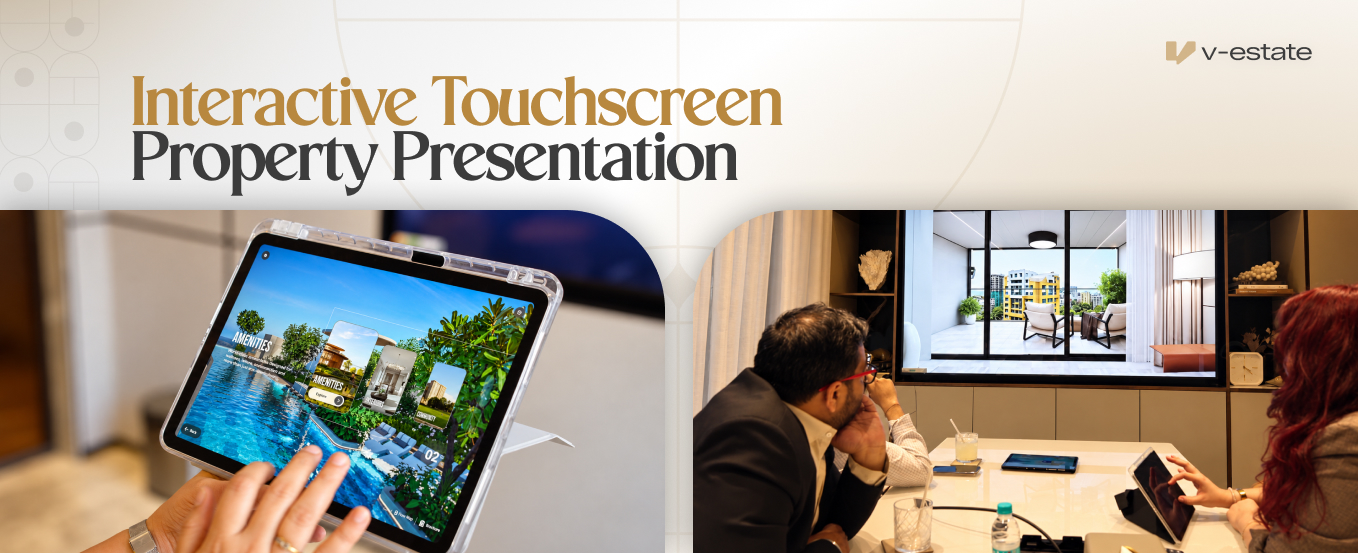
The indian market, irrespective of the sector, is often very experience-demanding; they want something tangible to get an understanding of the product or service before they make a decision. Real estate is no exception, especially since investing in a property often costs most people a fortune, if not their entire life savings. However, many developers have found that interactive touchscreen property presentations not only make visualizing the property easier, but also help real estate agents shorten sales cycles and increase lead conversion.
What is an Interactive Touchscreen Property Presentation?
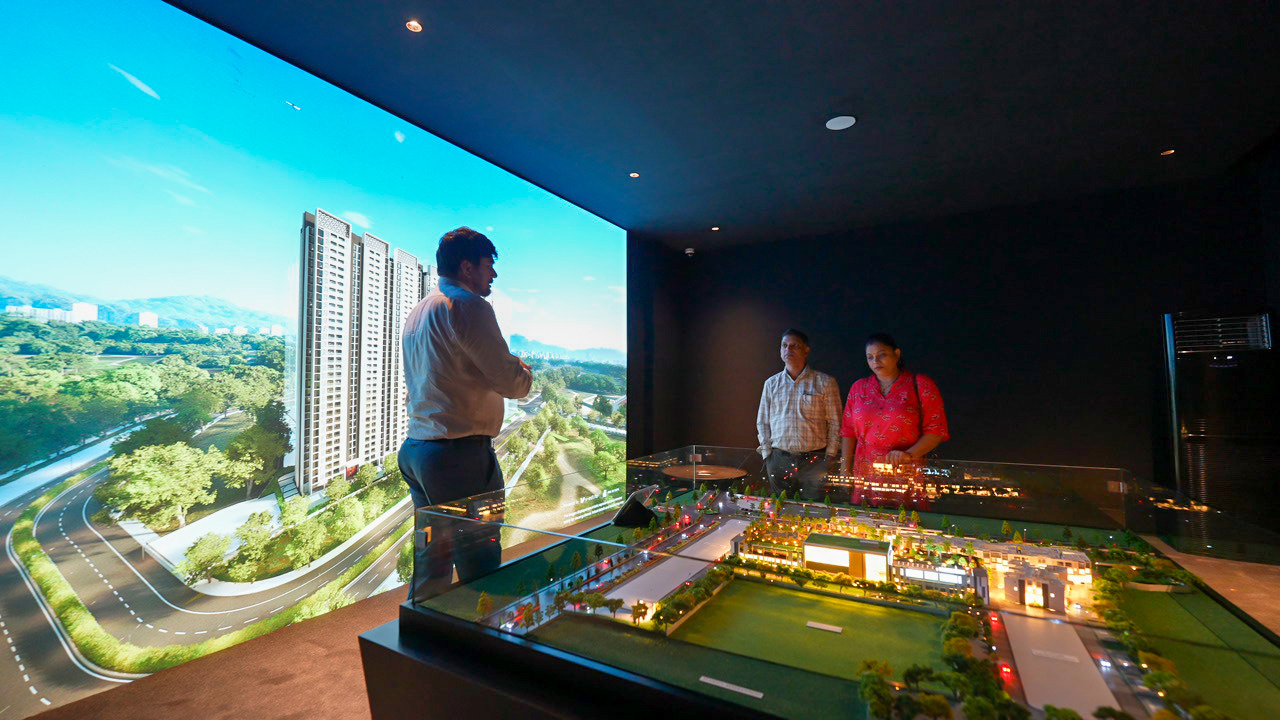
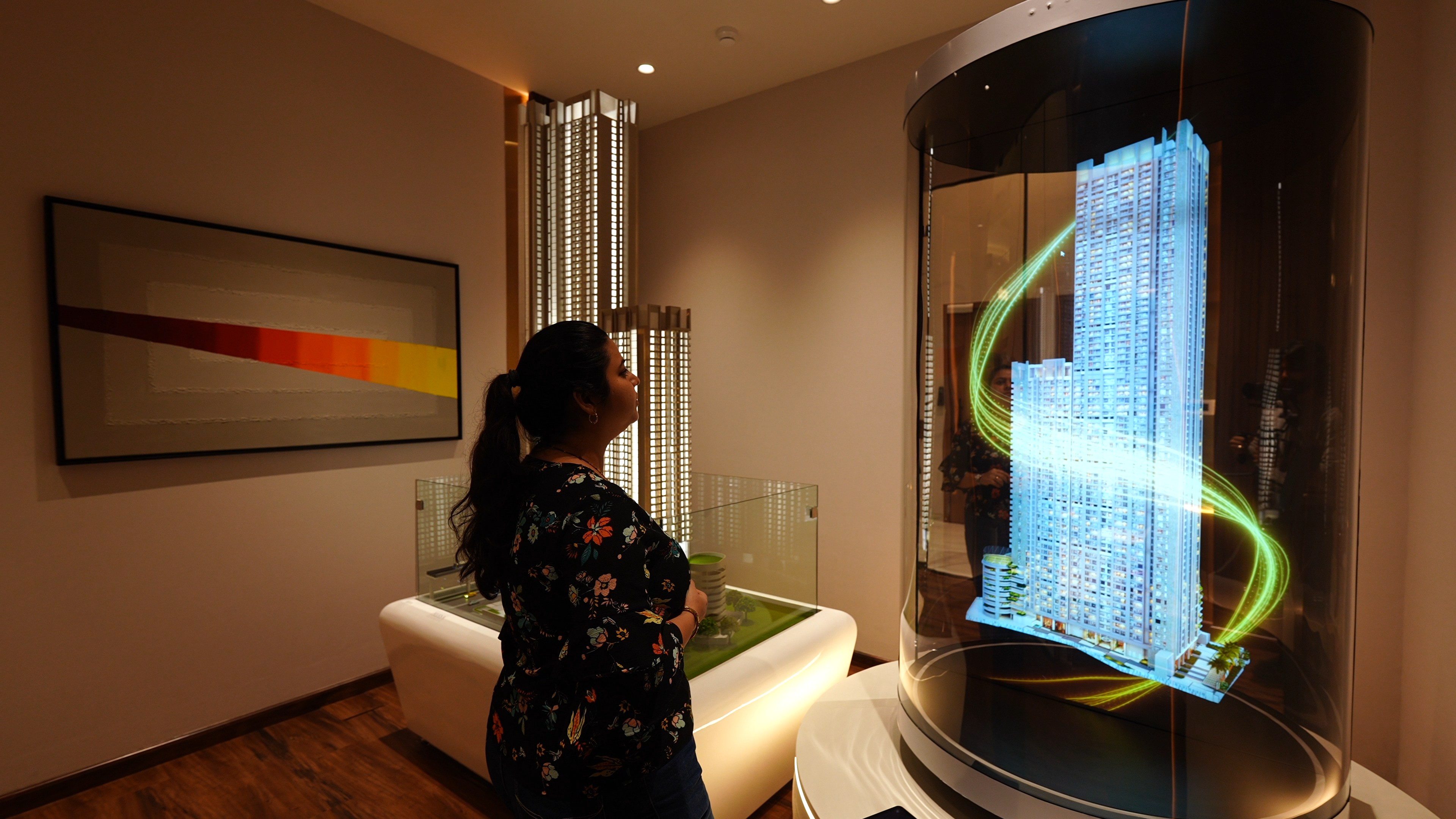
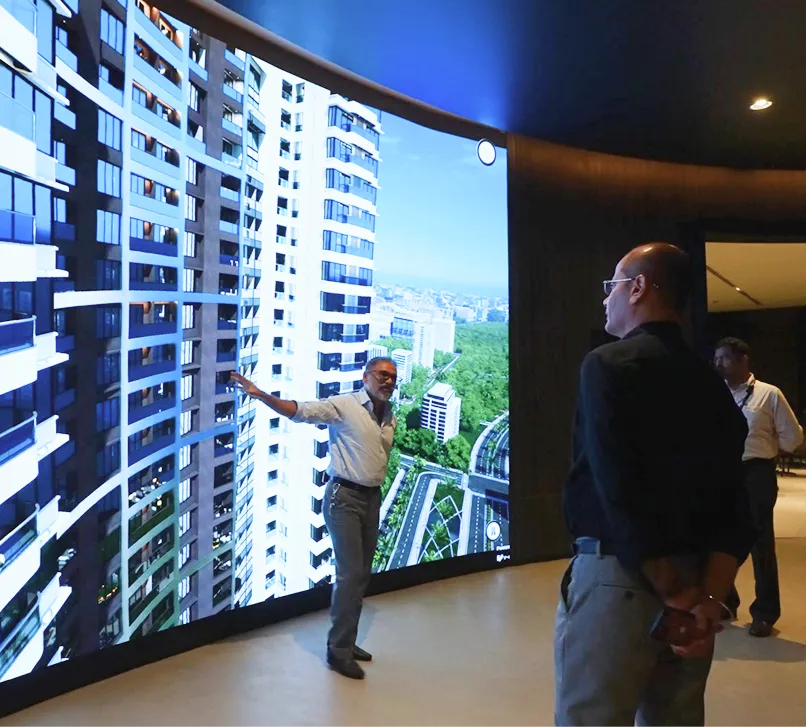
An interactive touchscreen property presentation, as the name suggests, makes use of a touch-enabled display or a screen to showcase a property to interested buyers and stakeholders in an interactive manner. What these touch displays do is reduce the reliance on traditional sales tools like brochures or explanations from the sales teams.
Usually, a salesperson makes use of a basic brochure or a simple presentation to highlight the features of a property. While this solution works for giving buyers a quick overview of a list of all of the things a property has to offer. It doesn't exactly make it accessible to them. As such, if a buyer wants to learn more about the property's amenities, like its gym or yoga area. They end up asking questions like what gym equipment is available, how big the available area is, and more. Here, the salesperson could answer the questions technically by stating the equipment or size of the area in square feet, but what they fail to showcase is how it would look or, more importantly, feel to the buyer.
With interactive touchscreens, a developer could make use of an ArchViz solution to improve the way a salesperson showcases the above amenities. This gives them the ability to give a virtual tour of the entire property. Thus, a salesperson doesn't just have to list out the available gym equipment; they could give a buyer a virtual tour to show the gym's layout and where each equipment is placed. This gives them a far better idea of what to expect from the gym instead of just reading a list of specifications.
Why Real Estate Sales Centers in India are Investing in Interactive Touchscreens
With the help of interactive touchscreens, real estate sales centers can help buyers visualize property better, as they offer features like 360-degree virtual tours, dynamic lighting and window view simulation, and more. Here is how some of the popular interactive touchscreen features help improve the buyer journey:
360-degree Virtual Tour
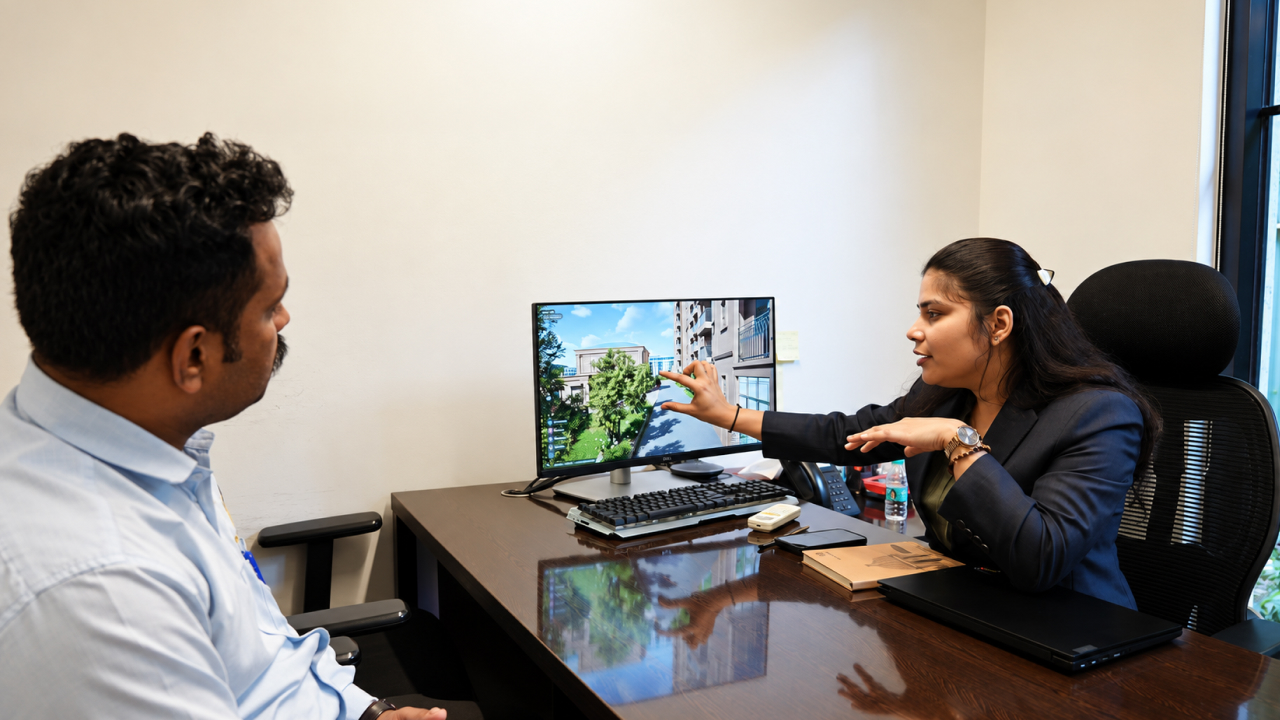
One of the biggest challenges that buyers face is understanding a flat simply through a brochure. Even if a salesperson is available, a brochure only has so many images that they could use to explain the layout to a buyer. However, with interactive touchscreens, a buyer can take a fully explorable 360-degree virtual tour of the property. Thus, a buyer can control the journey of how they explore their future home. What makes this feature special is that it allows the experience to be unique for each user. For example, User A could start exploring the house from the master bedroom, while User B would be more interested in checking out the kitchen first. As such, not only do they get to virtually explore the entire property at their own pace, but they also do it as per their preferences.
Dynamic Lighting and Window View Simulation
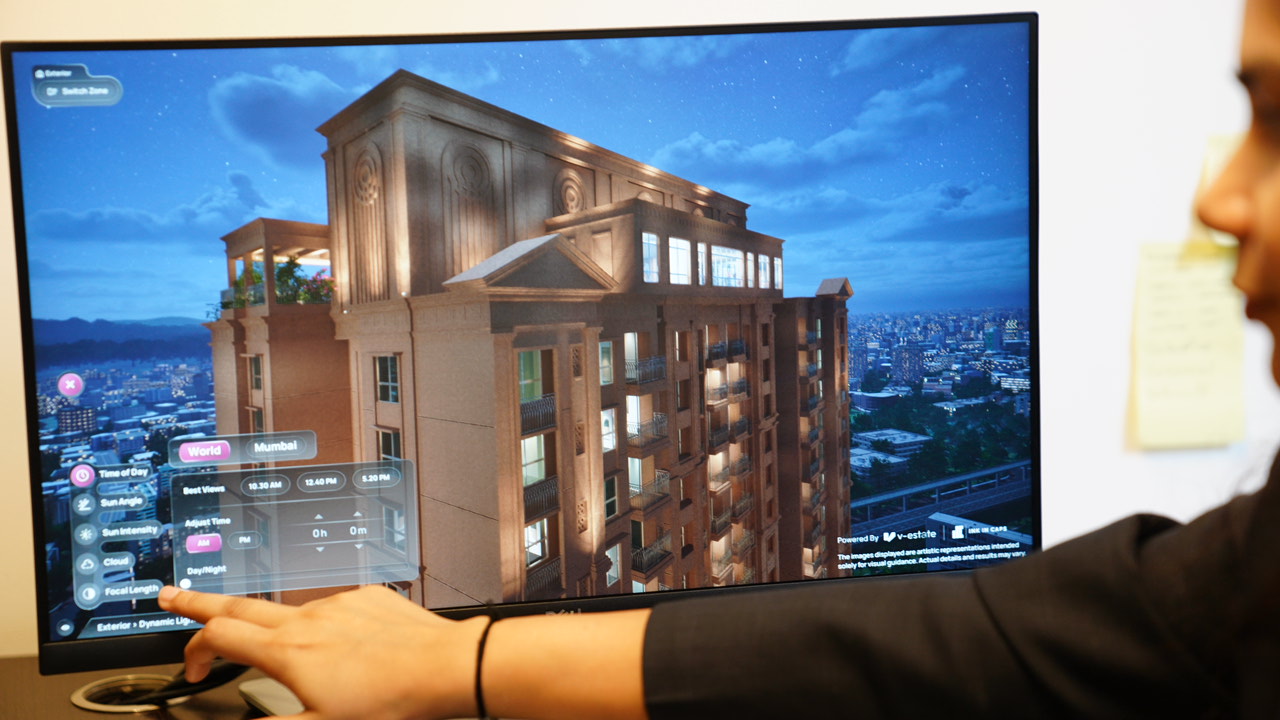
Window view and dynamic lighting simulation can easily be considered one of the most underrated and overlooked features. Whenever a buyer purchases a new home, they will spend a considerable amount of time enjoying the view outside their windows or balcony. However, it is practically impossible for a brochure to capture the outside view through static photos. Even a showflat has limitations, as the window view they get is restricted to the time and weather when a buyer visits.
However, through dynamic lighting and window view simulation, buyers get to simulate how their outside view looks. They could change the time of day to see how the sunlight interacts with their home during the afternoon, or how the street lights look during the evening. Similarly, they could also use weather simulation to change the window view to be stormy, sunny, rainy, or windy.
Vicinity Mapping and Lifestyle Amenities Showcase
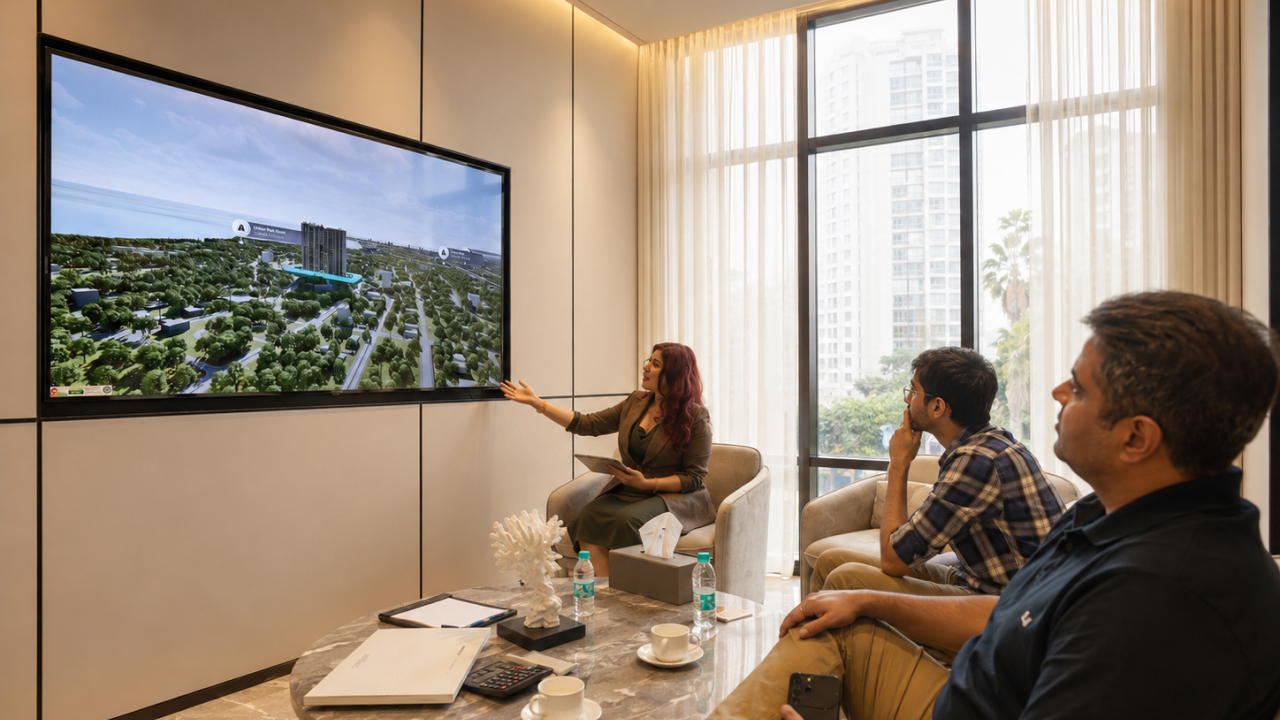
Aside from the exteriors and interiors, another important feature that many buyers consider before buying a property is how it connects to the neighbourhood. This includes information about the property's connectivity to nearby railway or metro stations, highways, markets and malls, educational institutes, and more. Through interactive touchscreens and advanced 3d visualization software, the sales team can highlight all of the above important locations with their routes and how they connect with the property. This exponentially helps buyers make purchase decisions, as they know exactly how convenient getting to important locations is.
Similarly, buyers also want to know as much as possible about lifestyle amenities that the property has to offer. For example, if a parent sees a property that offers a playground as one of the amenities, they would want to know more about the kind of playground equipment, like swings, slides, and more, that is available. Interactive touchscreens make use of ArchViz software to make amenities exploration easier. Thus, the parent gets to easily find out about the type of equipments installed but also it's layout. Similarly, they can also explore other amenities like a games room, squash court, mini theatre, etc.
To quickly sum it up, interactive touchscreen property presentations allow buyers to actively engage with the property. It lets them explore the property's different features irrespective of whether a building is complete or still under development. Developers rely on them as they can easily be integrated into their real estate sales centers. The best part of using them is that it makes property visualization easier for the buyer and helps them make decisions faster.
Want to Enhance your next Real Estate Sales Center?
If you are looking to install an interactive touchscreen in your real estate sales center, V-Estate is here to help. From setting up the touch display to integrating it with a digital twin, our team of experts has years of experience helping developers with their experience centers. Contact us and book a demo now to enhance the way your buyers learn about your next project!