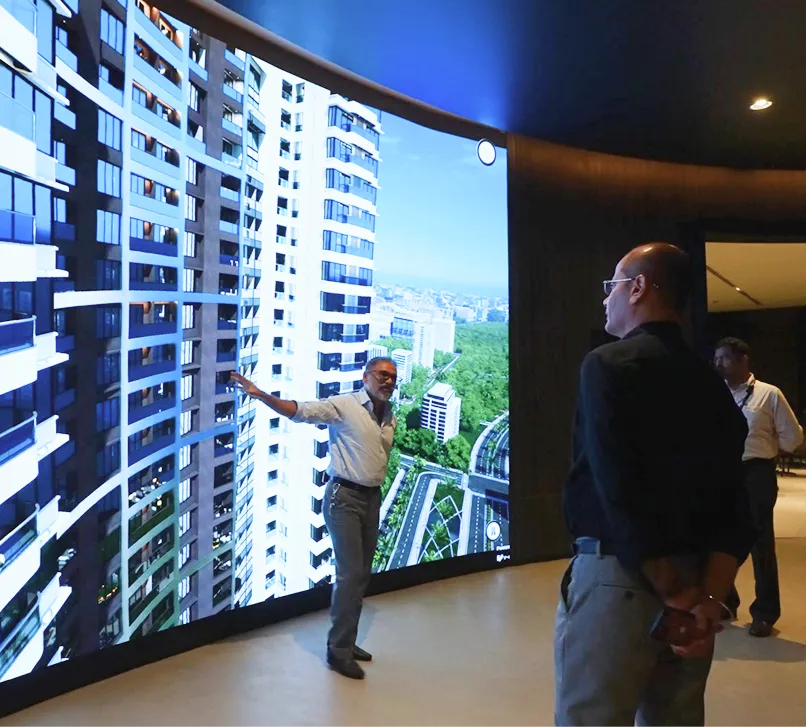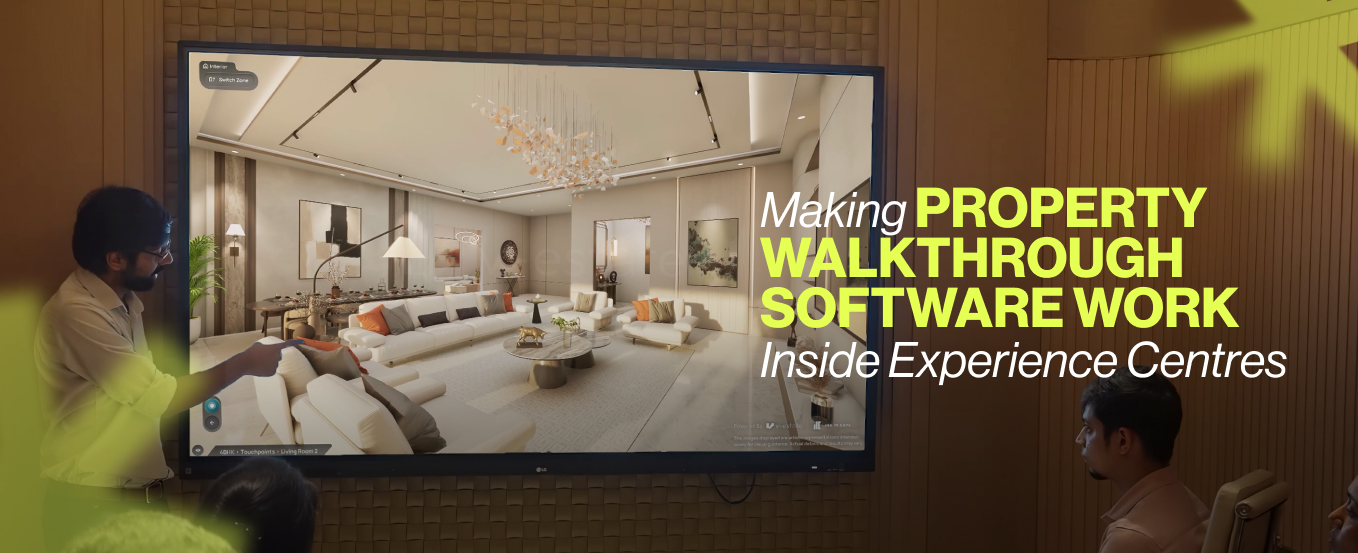
The most critical moment in a real estate sale does not happen online. It happens on the ground, inside the experience centre.
This is where intent becomes evaluation. Buyers arrive with context, comparisons, and expectations already formed. What they need in that moment is not more information. They need clarity that helps them connect everything into a single, confident decision.
Yet this stage is also where many projects lose momentum.
The environment feels sophisticated, but the experience feels fragmented. Sales teams move between multiple tools, each explaining a different layer of the project. Buyers are expected to piece together master plans, amenities, views, and unit layouts in their mind.
That mental effort slows understanding. And where understanding slows, hesitation begins.
Making software for property walkthroughs function inside experience centres is about removing this friction and building a system where every layer connects seamlessly.
Where Experience Centres Quietly Break Down
Most experience centres include all the right elements. The issue lies in how these elements come together during a live interaction.
The fragmentation problem
Physical models explain scale They give buyers a broad overview of the project but fall short when deeper spatial questions arise
Presentation screens explain vision These help set context, but remain linear and do not allow buyers to explore based on their own curiosity
3D property visualisation showcases design While visually rich, it often exists in isolation from the rest of the sales flow
Sample flats create a tangible reference They help buyers experience space physically, but without connection to the larger project context
Individually, each element adds value. Together, they create discontinuity.
Buyers constantly translate between formats, connecting visuals to explanations and explanations to imagination. This creates cognitive load and slows down decision-making.
A property walkthrough tool solves this problem by acting as a central layer that connects all these elements into one continuous experience.
What It Takes for Property Walkthrough Software to Work On Ground
Deploying a system is straightforward. Making it effective inside a real sales conversation requires alignment with buyer behavior and sales flow.
Aligning with how buyers process information
Buyers move from overview to detail They begin with understanding the overall project and gradually shift toward specific units and preferences
Navigation must follow this natural progression A well-designed property walkthrough software allows smooth transitions between master plan, amenities, and unit-level exploration
Every interaction should feel intuitive Buyers should not need guidance to understand how to explore
Reducing dependency on verbal explanation
Visual interaction answers questions instantly Instead of long explanations, buyers see relationships, distances, and layouts directly
Information is revealed contextually Key details appear when relevant, preventing overload
Complex planning becomes easier to understand Layered exploration helps simplify large-scale developments
This is where interactive property walkthroughs create a noticeable shift in clarity.
Supporting the sales team in real time
Simple control interfaces Sales teams should be able to operate the system without interrupting the flow of conversation
Seamless switching between modules Quick transitions keep engagement intact and avoid pauses
Flexibility for different buyer types The system should support both quick walkthroughs and detailed discussions
When these factors align, the system becomes an active part of the sales process.
Case Study: L&T Realty Island Cove, Mahim
At Island Cove in Mahim, L&T Realty projected strong inherent advantages. The development offered sweeping views of the Bandra Worli Sea Link and a rare connection to surrounding mangroves, combined with a premium urban location.
The challenge was not the product. It was communication.
Key challenges on ground
Difficulty in visualizing real views Buyers could not fully grasp how the sea link and mangroves would appear from different units
Limited clarity around location advantages Infrastructure and connectivity required extensive verbal explanation
Fragmented understanding across touchpoints Different tools explained different aspects, creating gaps in comprehension
Designing the Walkthrough Around Buyer Thought
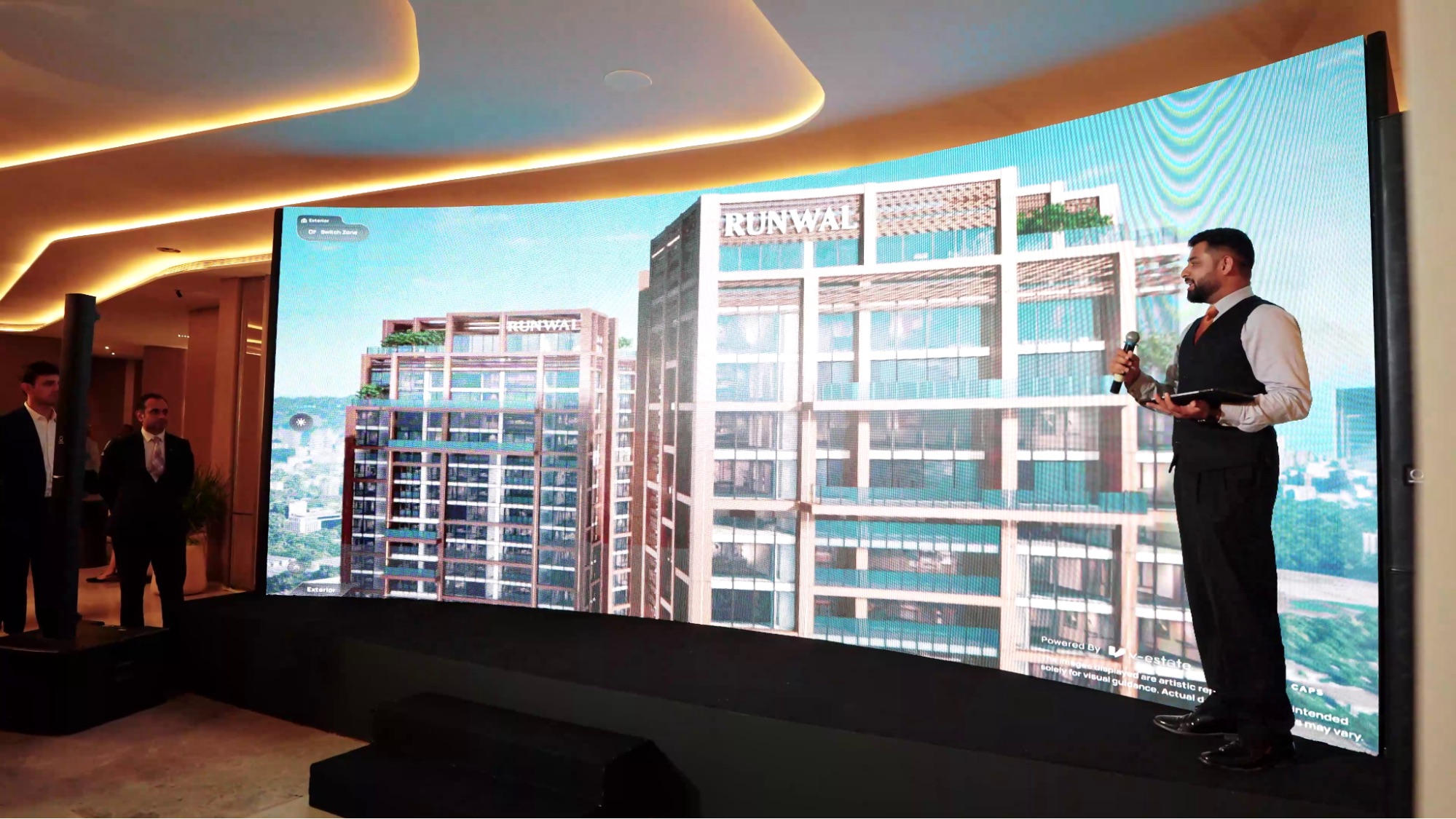
To address these issues, a comprehensive project walkthrough service for real estate was deployed using V Estate Interactive Software. The system was structured into modules aligned with how buyers evaluate a project.
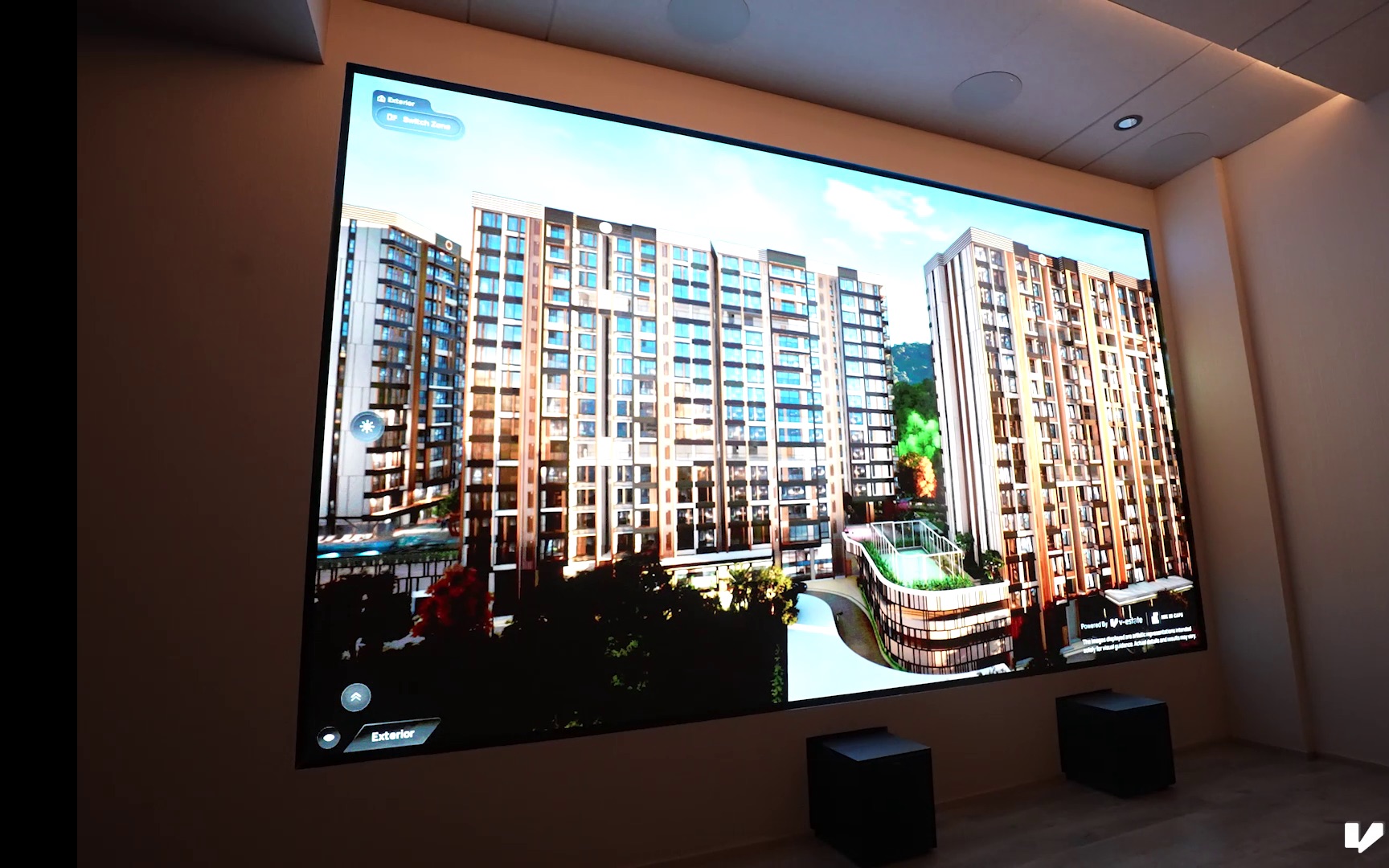
Exteriors module: Creating emotional connection
High-quality 3D property visualisation showcased architectural design Buyers could see the project from multiple perspectives, including aerial and eye-level views
Time-based lighting variations Helped simulate real-world conditions and build a more realistic perception
Focus on signature views The Bandra-Worli Sea Link and mangroves were highlighted clearly, reinforcing the project’s uniqueness
Amenities module: Translating features into lifestyle
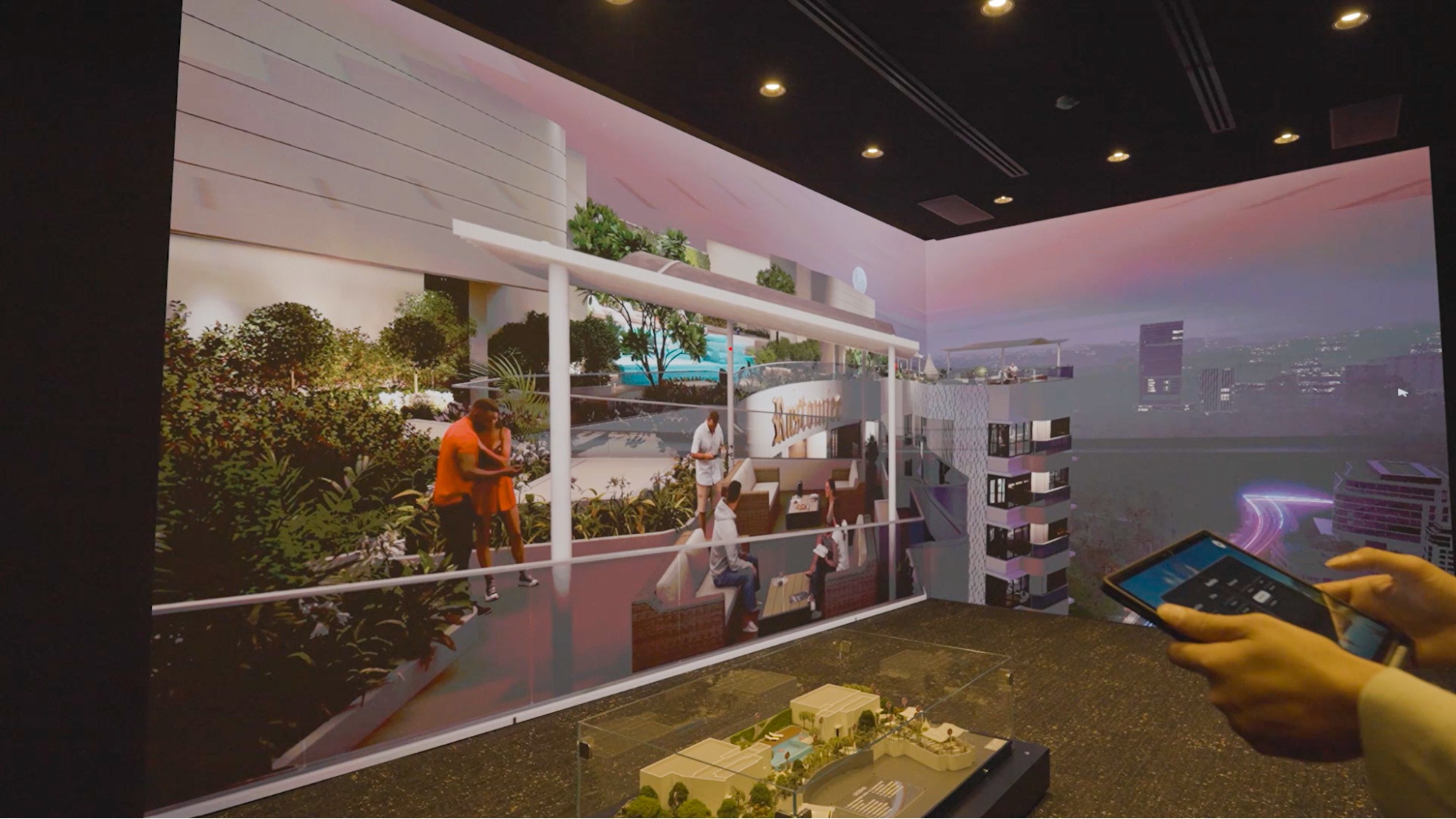
Interactive mapping of all amenities Buyers could explore each facility individually instead of viewing them as a static list
Clear spatial relationships Helped buyers understand how amenities are distributed across the project
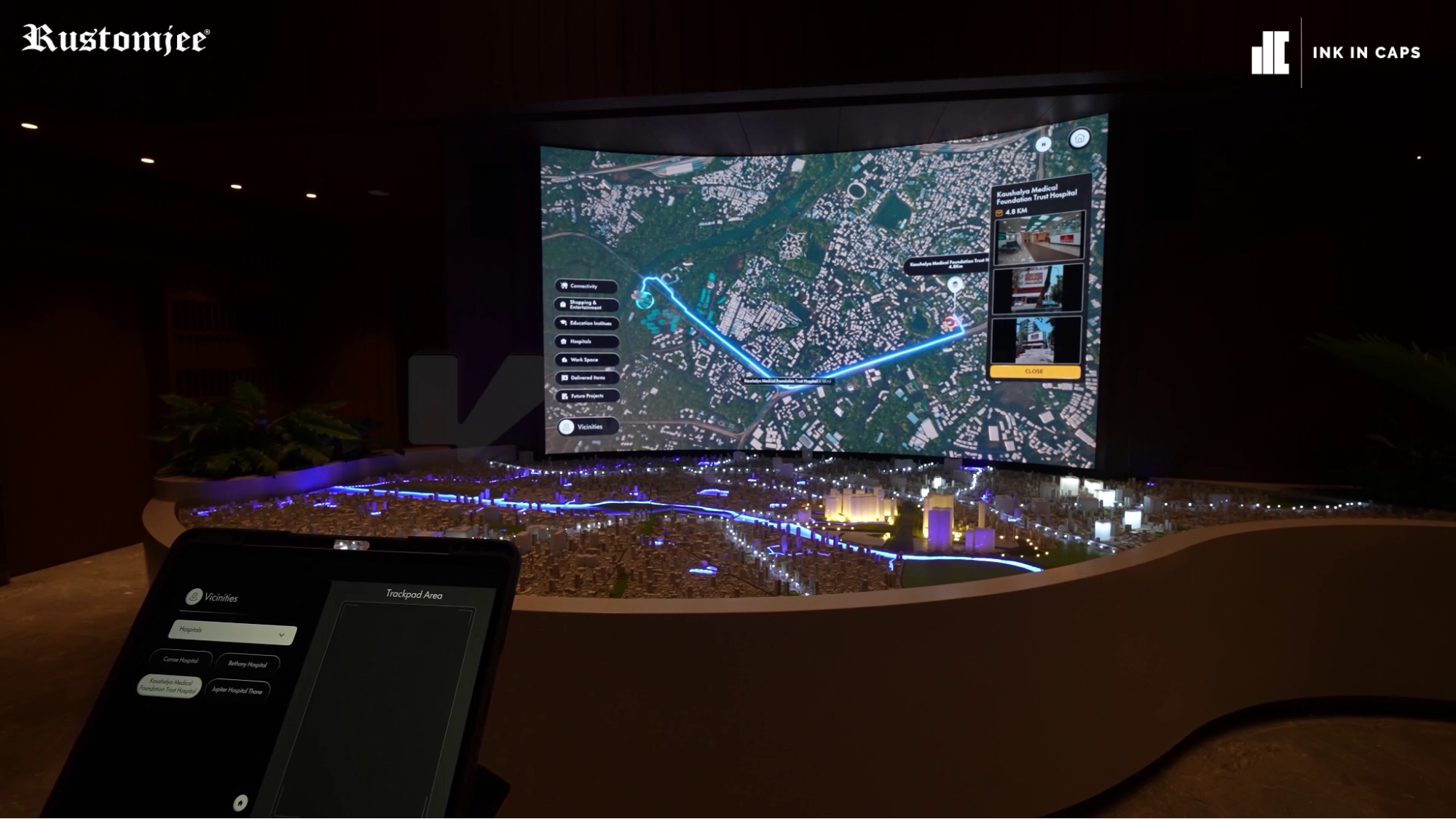
Vicinity module: Making location understandable
Visual representation of surrounding infrastructure Buyers could see connectivity routes, landmarks, and access points
Inclusion of future developments Strengthened the long-term investment narrative
Interior unit module: Driving decision clarity
Detailed digital apartments Buyers could understand layouts and spatial flow accurately
Realistic window views Sea and mangrove views were represented with precision, directly influencing buyer preference
Each module was connected through a single software interface for property walkthroughs, ensuring a seamless narrative.
Integrating Technology Into the Sales Environment
The effectiveness of real estate virtual tour software depends on how naturally it fits the physical experience centre.
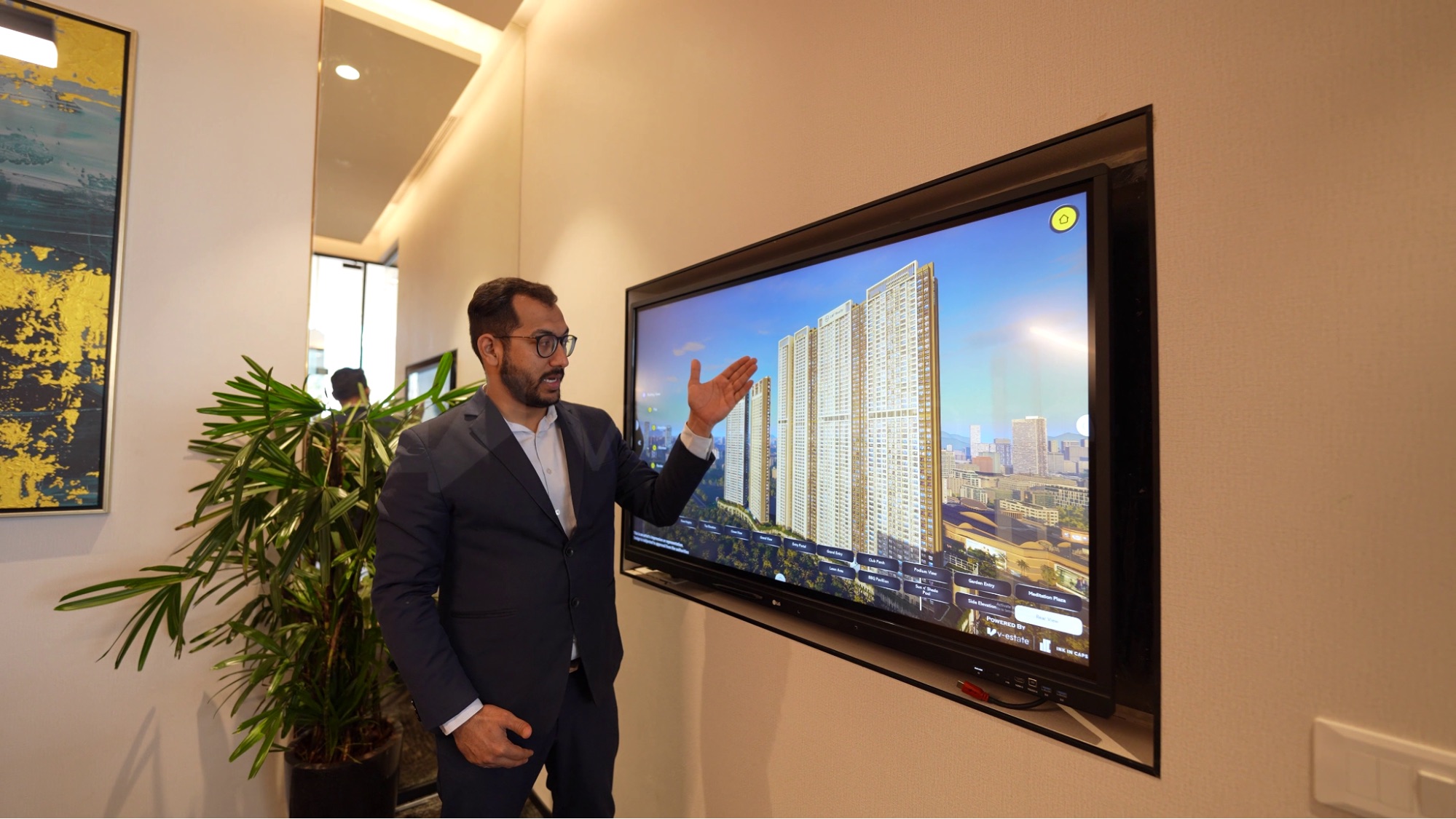
Touchscreen display systems
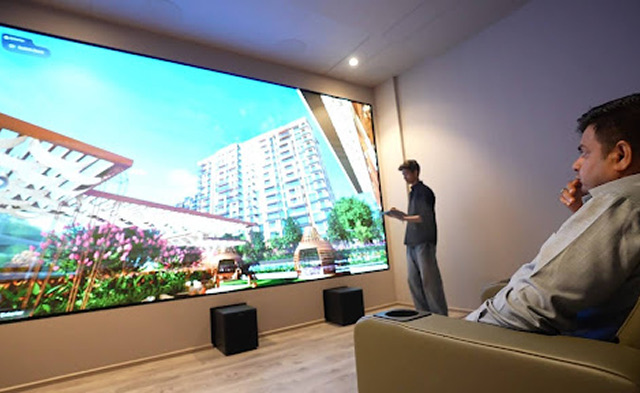
55-inch touchscreen TVs Delivered high-clarity visuals and allowed intuitive interaction
Direct buyer engagement Buyers could explore the project themselves when needed
iPad-controlled navigation
Seamless control for sales teams Enabled smooth transitions without breaking conversation
Continuous engagement Sales teams could focus on the buyer rather than the interface
LED integration in waiting areas
Early exposure to project visuals Buyers entered the walkthrough with context already formed
Stronger first impression Set the tone for the rest of the experience
Web-based extension
Remote accessibility for international buyers The same interactive property tours software was available outside the experience centre
Guided and independent exploration Sales teams could assist remotely or allow self-navigation.
The Impact
The impact was visible across buyer behaviour, sales conversations, and overall performance.
Buyer engagement
Longer interaction time Buyers spent more time exploring the project in depth
More informed questions Conversations shifted toward specific preferences and comparisons
Sales effectiveness
Reduced repetition Visual clarity minimized the need for repeated explanations
More structured conversations Sales teams could guide discussions with greater precision
Business outcomes
Increased on-ground engagement Buyers remained engaged throughout the experience
Expanded reach Remote access allowed international buyers to participate
Strong internal adoption L&T mandated the use of the system across future projects
Building for Clarity at the Moment That Matters
Every customer who walks into an experience centre has already taken a significant step forward. The quality of what happens next determines whether that momentum continues.
Implementing property walkthrough software with a clear understanding of on-ground dynamics transforms it into a powerful driver of clarity. Buyers connect different aspects of the project without effort, while sales teams operate with greater precision.
At V-Estate we design interactive walkthrough systems that create photorealistic visuals for your buyers. If your focus is on improving how buyers understand your project at the point where decisions are made, explore how this approach can reshape your experience centre.
Visit V-Estateto see how interactive walkthrough systems can reduce your sales cycles by ⅓.