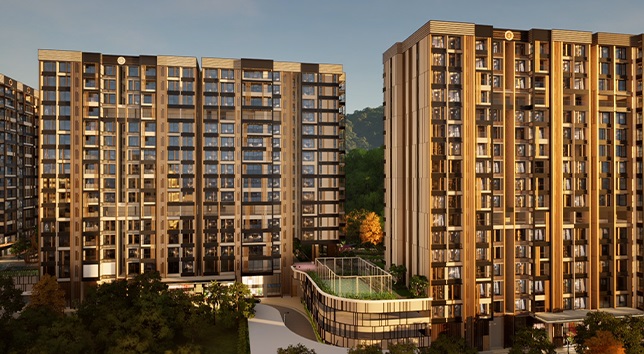
Most property marketing relies on showing buyers a single, fixed version of a home. Whether viewing a physical sample apartment or a static digital render, a prospective buyer is asked to imagine their life fitting perfectly into that exact setup. But buyers often want to understand how a space would look with different furniture, which layout works better for their lifestyle, or what different finishes might look like.
How can property customisation improve the digital sales experience for real estate buyers? By allowing buyers to actively explore and interact with available design choices, property customisation transitions the sales process from a rigid presentation into a collaborative exploration. It enables buyers to configure rooms, swap out finishes, and test different layouts, helping them clearly understand how a specific property aligns with their personal preferences before making a financial commitment.
What Is Property Customisation in a Digital Sales Experience?
Property customisation in a digital sales context refers to a digital interface or interactive environment that allows prospective buyers to modify specific elements of an unbuilt or off-plan home.
There is a distinct difference between static property presentation and interactive property customisation. A static presentation shows a predetermined aesthetic; the buyer simply views what the developer has chosen to render. Interactive customisation hands control over to the user. Buyers can actively change variables within the digital space, turning a passive viewing session into an engaging digital property experience where they can see immediate visual feedback based on their inputs.
Why Buyers Want to Explore Property Options
Purchasing real estate is a highly personal decision. Every buyer brings distinct personal preferences, family requirements, and lifestyle habits to a viewing. A young professional might prioritize a home office setup, while a growing family might need to understand space planning for children's furniture and storage.
By exploring different configurations and interior preferences, buyers can determine if a particular floor plan accommodates their daily routine. Understanding available options through digital property customisation removes the friction of guesswork. It helps buyers see the practical potential of the space rather than relying purely on imagination, providing clarity that builds confidence in their purchasing decision.
What Can Buyers Customise Digitally?
The extent of customisation depends entirely on the developer's project, design parameters, and available inventory. Generally, real estate property customisation focuses on elements that are practical and technically feasible to modify.
Depending on the project, buyers can typically interact with:
- Furniture placement (to test space limits and flow)
- Interior styles and themes
- Colours and paint options
- Surface finishes (flooring, countertops, tiling)
- Room layouts (e.g., open vs. closed kitchen)
- Fixtures and fittings
- Specific property configurations and window views
It is important to note that digital customisation focuses on available, approved developer choices. It does not promise the modification of structural elements, load-bearing walls, or external architecture that cannot actually be changed.
How Digital Property Customisation Works
A well-designed property configurator follows a logical, user-friendly journey. It generally follows this path: Select Property → Choose Option → Visualise Change → Compare → Understand → Discuss With Sales Team.
The buyer starts by selecting a specific floor plan. From there, the digital interface allows them to choose an option—such as a specific kitchen finish or a living room furniture layout. The interactive 3D environment immediately visualises this change. Buyers can then compare these options side-by-side, understand the spatial or aesthetic impact of their choices, and discuss these preferences with the sales team to finalize their requirements.
From Property Visualisation to Property Personalisation
There is a fundamental difference between property visualisation and property personalisation. Digital property visualisation is about showing the property clearly; customisation is about allowing the buyer to interact with available choices.
When a buyer can change a wooden floor to marble or swap a dining table for a kitchen island, they begin to take conceptual ownership of the space. The dialogue moves away from "this is what we built" to "this is how you can live here." While customisation does not automatically guarantee conversion, it creates a far more relevant and personalized sales conversation that addresses the buyer's specific needs.
Property Customisation in Experience Centres
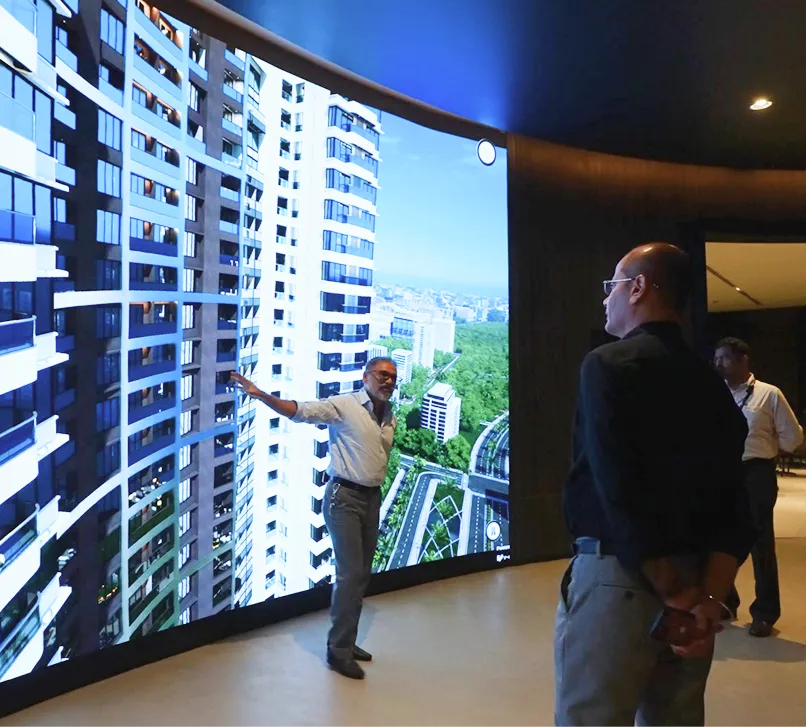
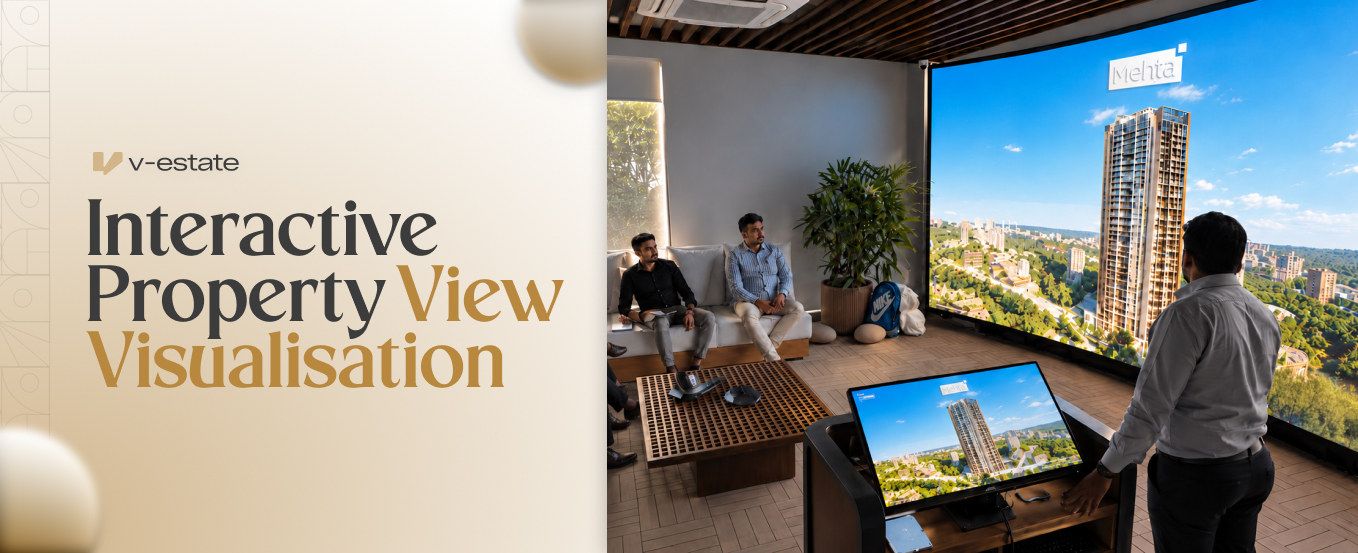
Digital customisation is highly effective when integrated into physical sales environments. In experience centres and sales galleries, developers can use large interactive screens to guide customer meetings.
During premium property presentations or project launches, sales professionals can walk buyers through various configurations on a tablet or a dedicated display. Rather than leaving the buyer to navigate complex choices alone, the salesperson acts as a guide. They can use the digital tool to demonstrate flexibility, address specific objections regarding space, and tailor the presentation to the buyer in real-time.
Helping Buyers Compare Different Configurations
Real estate buyers are often paralyzed by choice. When looking at multiple static floor plans or brochures, it can be difficult to remember the nuances of each. Interactive systems help customers directly compare layouts, interior options, views, and furniture arrangements without confusion.
If a buyer is unsure whether to choose a configuration with an open-plan kitchen or an enclosed one, a digital tool allows them to view both instantly. By focusing on reducing confusion and visually clarifying the differences between available property configurations, developers make the decision-making process much smoother.
Customisation for Different Types of Real Estate Buyers
Different buyers value different aspects of customisation. For example:
- End-users typically focus on layout, interiors, and the day-to-day functionality of the space.
- Family buyers might prioritize room usage, storage solutions, and how configurations accommodate children.
- Premium buyers often use customisation to evaluate high-end finishes, design aesthetics, and exact window views from specific floors.
- Investors may focus less on interior decor and more on property options and the project context to determine the best unit for rental yield.
A flexible interactive experience caters to these varying priorities, allowing each buyer to focus on what matters most to them.
Connecting Customisation With the Sales Process
The true value of digital customisation lies in its integration with the broader sales strategy. A customisation experience directly supports product discussions by capturing customer preferences early on.
When a buyer selects options, the sales team gains valuable insights into their priorities. This data aids in follow-up conversations, accurate lead capture, and highly tailored sales demonstrations. Importantly, real estate sales technology should always support the salesperson. It acts as a visual aid to facilitate a stronger dialogue, not a replacement for the human element of the sales process.
Designing an Effective Property Customisation Experience
To build a tool that actually aids the sales process, developers and marketing teams should follow several practical principles:
- Keep options realistic: Show only available choices to prevent false expectations.
- Make navigation simple: Ensure the interface is intuitive so buyers do not feel overwhelmed.
- Show changes clearly: Updates to the digital model should be instant and visually obvious.
- Avoid too many options: Excessive choices can cause decision fatigue; curate the options strategically.
- Maintain visual consistency: Ensure lighting and textures remain high-quality across all customisation choices.
- Connect choices with actual inventory: Where possible, ensure buyers configure units that match what is currently available to sell.
- Make it useful for sales teams: The tool should be easy for a sales executive to operate while holding a conversation.
How V-estate Supports Interactive Property Customisation
V-estate helps real estate developers build engaging digital environments that prioritize user interaction and clarity. We provide comprehensive 3D property exploration and interactive property visualisation designed specifically to support sales teams.
Through our property customisation capabilities, developers can offer buyers detailed interior customisation, furniture and layout exploration, and customer-led exploration of available configurations. Whether deployed online or within dedicated experience-centre environments, V-estate ensures that buyers can clearly understand their options, helping your sales team present inventory accurately and effectively.
.jpg)