.jpg)
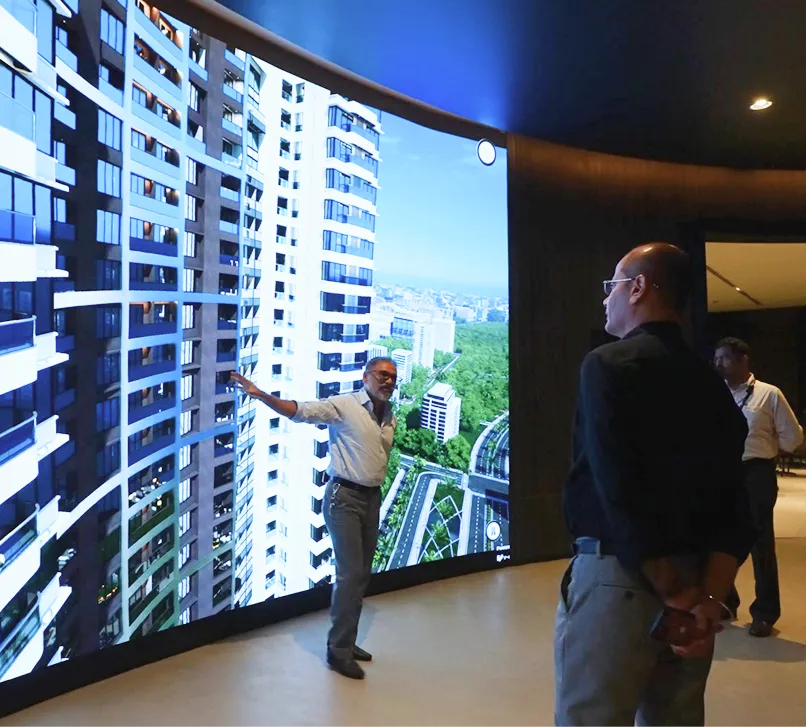
Walk-ins are an opportunity, not a metric. For developers and marketing heads running a sales gallery in Mahim, the real challenge isn’t only getting people through the door — it’s converting those visits into meaningful, qualified conversations. The gap between casual interest and a qualified lead is almost always experiential: visitors leave without a clear sense of how they would live in the space, or the sales process hasn’t captured their intent while it’s still warm. This post lays out practical, experience-first design and operational tactics — grounded in immersive, photoreal 3D walkthroughs and offline activation — that help sales galleries convert footfall into qualified buyer leads.
The core problem: why walk-ins rarely convert
Walk-ins fail to convert for predictable reasons:
Visitors can’t reliably picture how a unit will feel; static plans and brochures don’t close the imagination gap.
Sales teams waste time on basic spatial explanations instead of uncovering motivation and timeline.
Demos are passive and do not let a potential buyer actively “test” layouts, finishes, or views.
There’s no fast, frictionless way to capture meaningful signals (budget, timeline, preferred units) while interest is present.
Solving these problems means rethinking the gallery as a structured, decision-oriented experience rather than a display of assets.
Principle 1 — Replace description with lived experience
Buyers don’t buy specs; they buy how they will live. Make the gallery an environment where visitors can feel the apartment rather than read about it. Practical ways to do this:
Use photorealistic 3D virtual show flats to let people move through a fully furnished apartment at true scale.
Offer a simple customization flow: change paint, flooring, or furniture and see the result immediately.
Provide dynamic lighting and weather controls so buyers can view morning light, evening ambience, or overcast conditions.
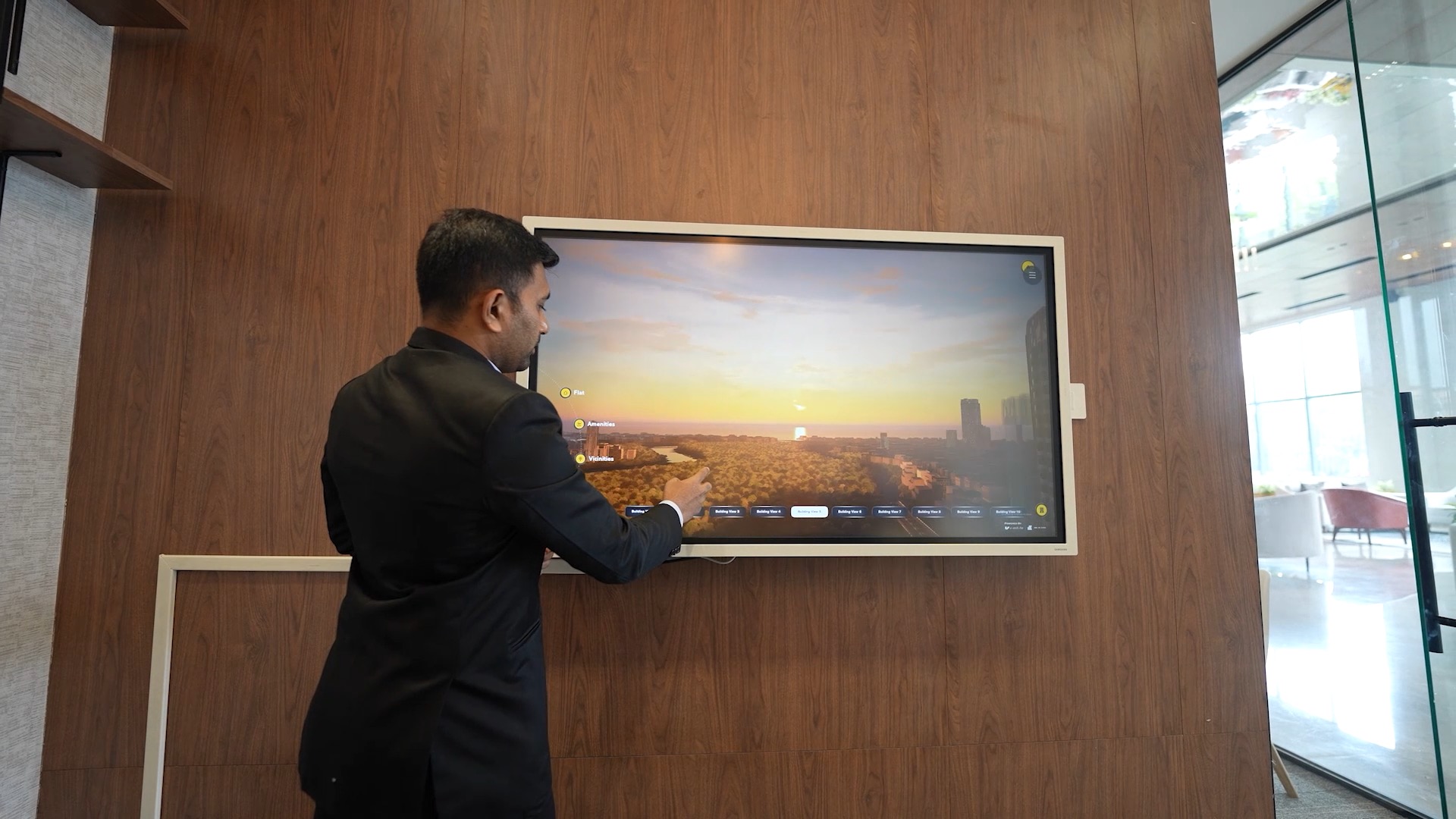
Show exact balcony and window sightlines so visitors can see the real external panorama from a given unit.
In Mahim, sightlines and connectivity matter. Being able to demonstrate the view from a specific unit or how sunlight enters a living room at 6 p.m. resolves doubts that brochures never will.

Principle 2 — Structure the gallery experience like a conversion funnel
Design the in-gallery journey to intentionally move visitors through three stages:
Discover — A short, high-impact entry that captures attention and communicates the project’s distinct value points in 60–90 seconds (location, unit mix, lifestyle benefits).
Explore — Self-guided or assisted 3D exploration where visitors test configurations and view neighborhood overlays that clarify connectivity and amenities.
Decide — Low-friction “next-step” actions: save a favorite unit, request a tailored quote, book a finance consult, or schedule an on-site unit viewing.
Every touchpoint should reduce friction to the next stage. The aim: shorten the path from “I like this” to “let’s talk numbers.”
Principle 3 — Personalize without overwhelming
Personalization increases relevance but complexity kills momentum. Practical rules:
Present a small set of curated scenarios (starter, family, premium) rather than infinite choices.
Use a single customization screen that updates the visualization in real time.
Capture three quick discovery inputs from walk-ins (preferred unit size, preferred floor, timeframe) to pre-load relevant views for an assisted demo.
These lightweight inputs let the system and the sales executive tailor the demo, producing richer lead data with minimal user effort.
Operational playbook — how staff and processes qualify leads
Technology alone won’t convert — trained people and tight workflows close the loop:
Greeter role: A short greeting script identifies whether the visitor wants a self-guided tour or an assisted demo. One well-phrased question directs them immediately to the right experience.
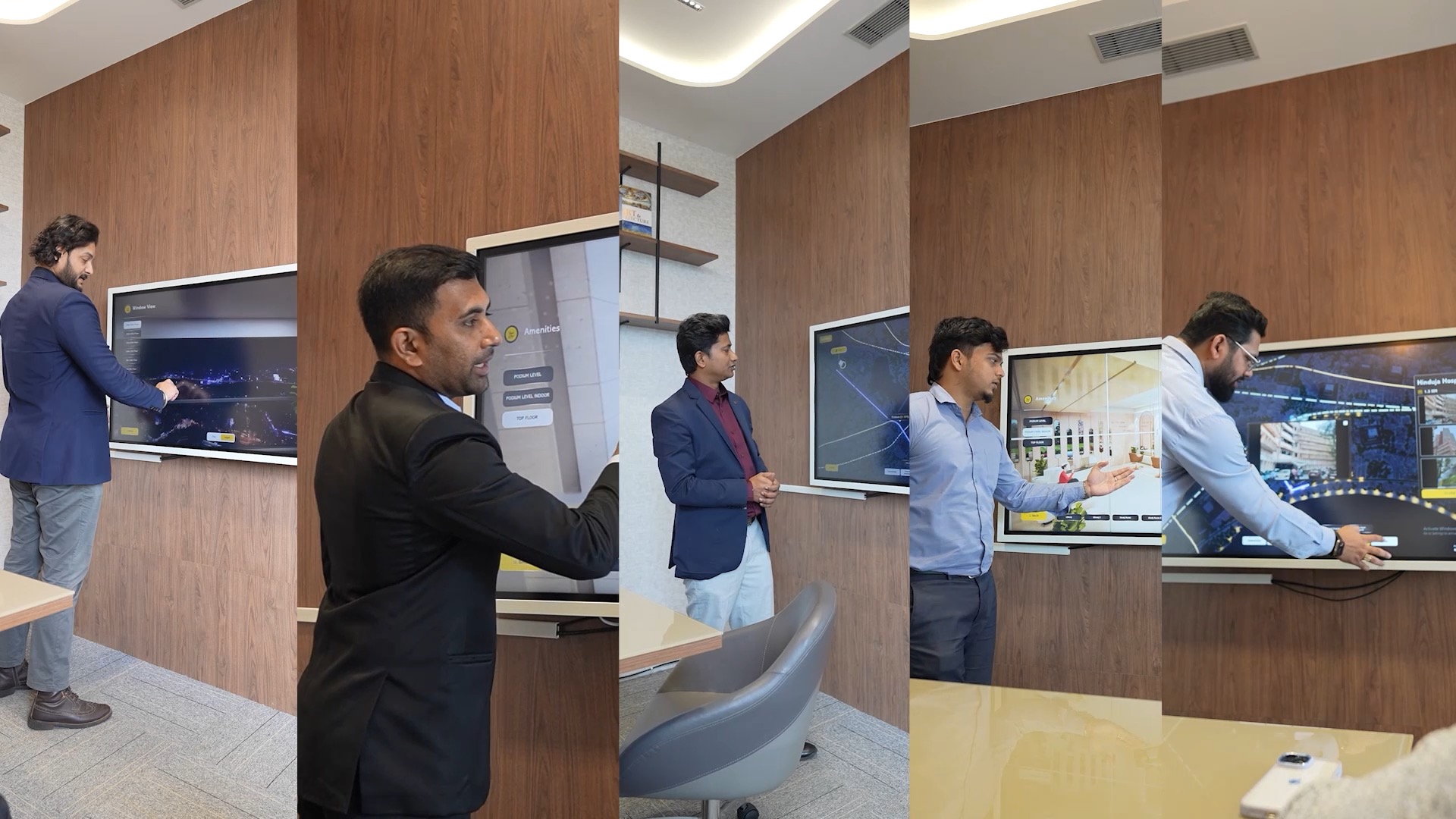
Assisted demo: Sales executives use the visitor’s discovery inputs to highlight precise units, views, and nearby infrastructure projects that matter to that buyer.
Soft qualification: Capture signals (preferred unit, budget bracket, timeline) through the interface during the exploration. This turns passive interest into a scored lead.
Immediate next-step: Offer commitment-friendly actions — finance consultation, provisional reservations, or a tailored digital brochure — before the visitor leaves.
Speed matters: capturing intent while the visitor is still in the gallery dramatically improves follow-up effectiveness.
Technology features that matter (practical, not flashy)
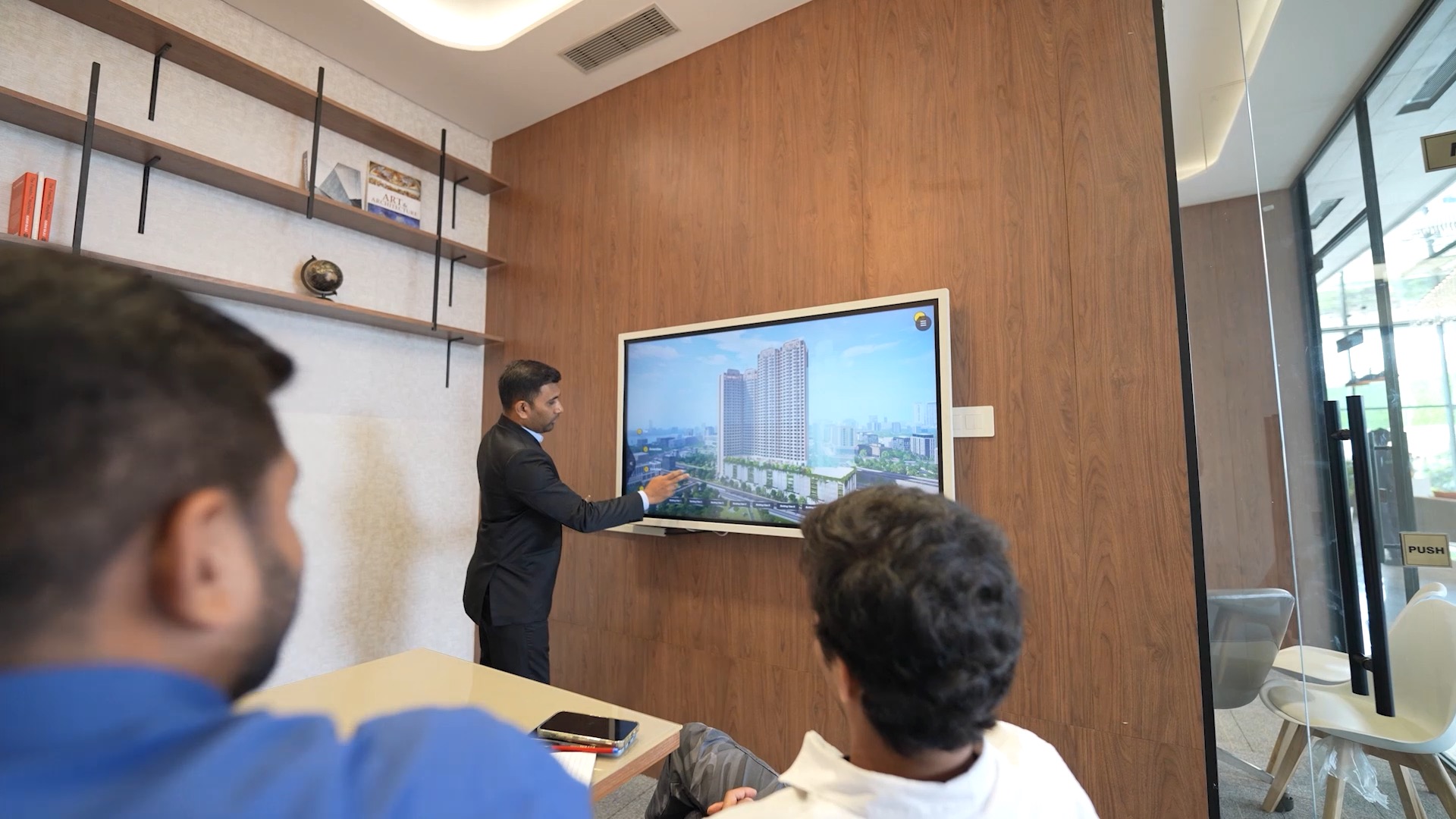
When implementing an immersive gallery in Mahim, prioritize reliability and clarity over showmanship:
Photorealistic 3D show flats: accurate materials, furniture, and window views that reflect the unit experience.
Dynamic lighting & weather: let buyers compare conditions at different times of day and seasons.
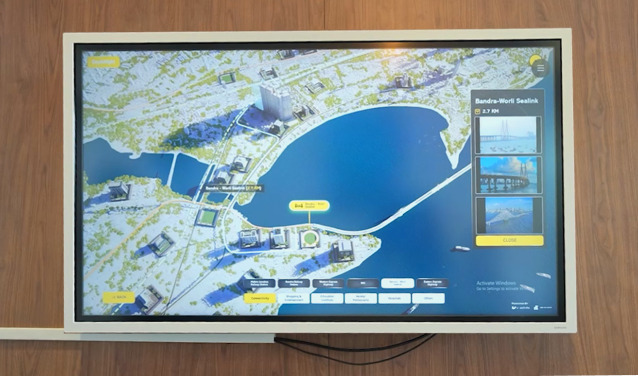
Amenity and neighborhood overlays: instant mapping of schools, transport links, and upcoming projects to answer “what’s nearby?” quickly.
Simple customization toolkit: immediate visual updates with minimal clicks.
Offline-first deployment: ensure the entire experience runs locally in-gallery without relying on unstable connectivity.
Exportable lead profile: generate a concise summary (unit preference, customizations, buyer signals) to feed the CRM and sales team.
Note: tools and platforms (used to power these features) should be treated as facilitation — the focus is on outcomes: faster qualification, clearer buyer understanding, and better follow-up.
Measurement — the KPIs that link experience to revenue
Count what connects to revenue. Useful KPIs include:
Qualified lead rate: percent of walk-ins that become marketing-qualified leads.
Time to qualification: how long it takes to collect a scored lead profile.
Demo-to-site-visit conversion: percent of in-gallery demos that lead to on-site appointments.
Follow-up response rate: share of contacts who respond within 48 hours.
Sales cycle length: average time from first walk-in to booking.
Use these metrics to iterate on the physical flow, demo scripts, and interface choices monthly.
Implementation checklist for Mahim sales galleries
Define 3–5 buyer scenarios and prepare curated unit configurations.
Load photoreal 3D show flats and validate lighting/weather modes.
Map a 3-stage in-gallery flow: Discover → Explore → Decide.
Train greeters and executives on a concise script and qualification prompts.
Ensure offline reliability with local servers/devices and backup power.
Integrate lead exports into CRM and set clear SLAs for 24–48 hour follow-up.
Start measuring KPIs and run monthly iterations based on performance.
Closing — make decisions easier than explanations
In Mahim, buyers respond to clarity and relevance. A sales gallery that replaces static materials with immersive, photoreal visualization and a deliberate, low-friction experience flow does more than impress — it helps buyers make decisions. For developers and marketing heads, the mandate is straightforward: design the gallery so each touchpoint shortens the path from curiosity to commitment. Make the experience tangible, capture intent early, and measure what moves the needle. That’s how walk-ins stop being anonymous visits and start becoming qualified leads with real purchase momentum.