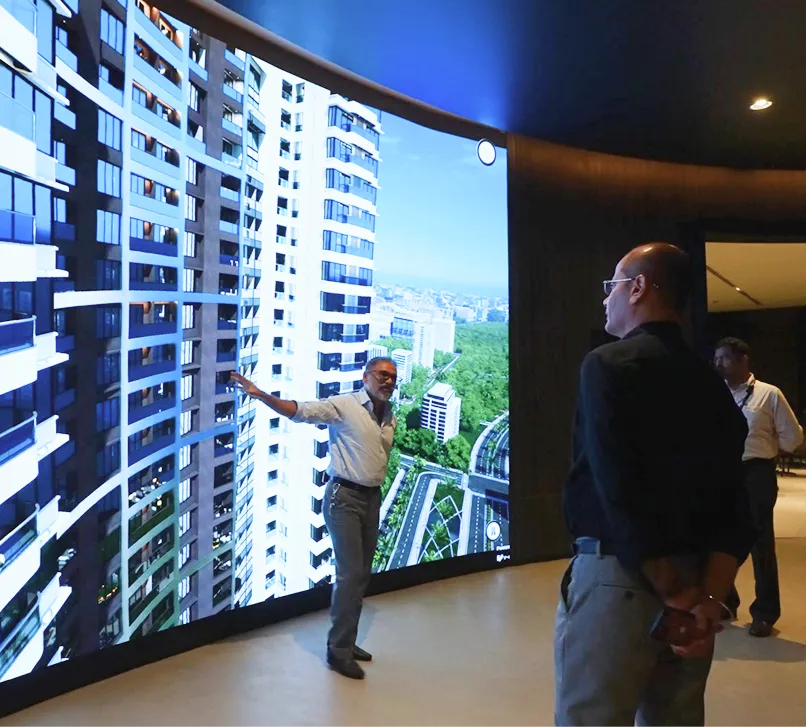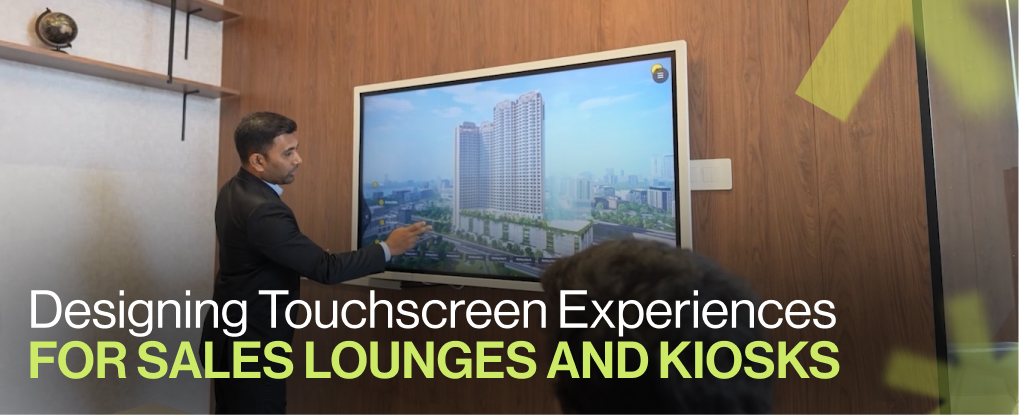
A buyer walks into your sales lounge. They have fifteen minutes. Maybe less. Your touchscreen either earns their trust or loses them to the competitor across the street. That screen is your closing tool. It must show value instantly. It must answer their doubts without a sales rep hovering. Every tap should move them closer to a site visit or booking.
Most touchscreens fail because they're built like websites. Long scrolls. Hidden menus. Slow loading. Buyers don't browse in a lounge—they decide. Your job is to make that decision faster and clearer.
Sales lounges demand conversion-focused touchscreens
Walk-in traffic is expensive. You've already paid for the location, the build-out, the branding. The touchscreen is where that investment either pays off or dies. Traditional brochures don't work anymore. Static renders don't answer the buyer's real questions: Can I see the view from my balcony? What does the living room look like with my furniture? How far is the metro station?
Your touchscreen must do three things in under five minutes:
Show the property in photorealistic detail.
Let the buyer customize what matters to them.
Capture their intent and hand it to your sales team.
Anything else is decoration.
Start with a single clear promise
The first screen sets the tone. One headline. One visual. Three actions. That's it.
Bad first screen: "Welcome to Luxury Living—Explore Our World-Class Amenities and Premium Residences." Good first screen: "3BHK Units Starting at ₹1.2 Cr—View Your Unit Now."
The buyer needs to know what's on offer immediately. No marketing fluff. No auto-playing videos. Just the unit type, price band, and a clear path forward: Explore Unit, Compare Plans, Schedule Visit.
Keep every screen this focused. One idea per screen. One primary action per screen. If a buyer has to read more than two lines, you've already lost clarity.
Photorealistic walkthroughs reduce buyer hesitation
Buyers don't trust artist impressions anymore. They've been burned before. They need to see the actual space. Not a sketch. Not a mood board. A photorealistic representation of the living room, kitchen, balcony, and view.
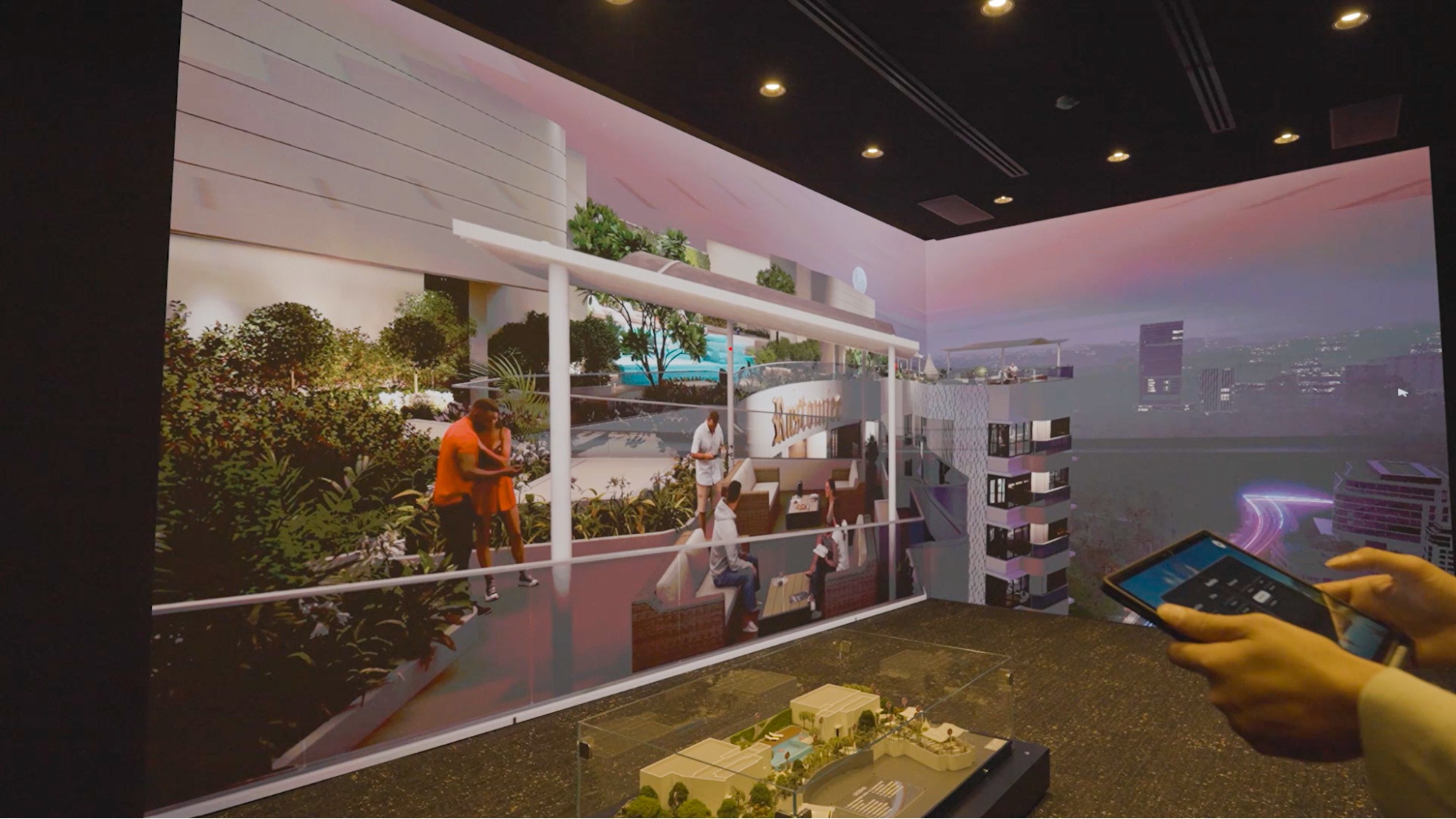
V-estate's 3D virtual show flats solve this. Buyers control the walkthrough. They move through the foyer, into the living area, onto the balcony. They see the exact view outside their window. They understand scale. They imagine their life in that space.
This isn't about technology for its own sake. It's about reducing the single biggest friction point: uncertainty. When a buyer can visualize their evening coffee on that balcony, they're halfway to signing.
Customization controls accelerate emotional ownership
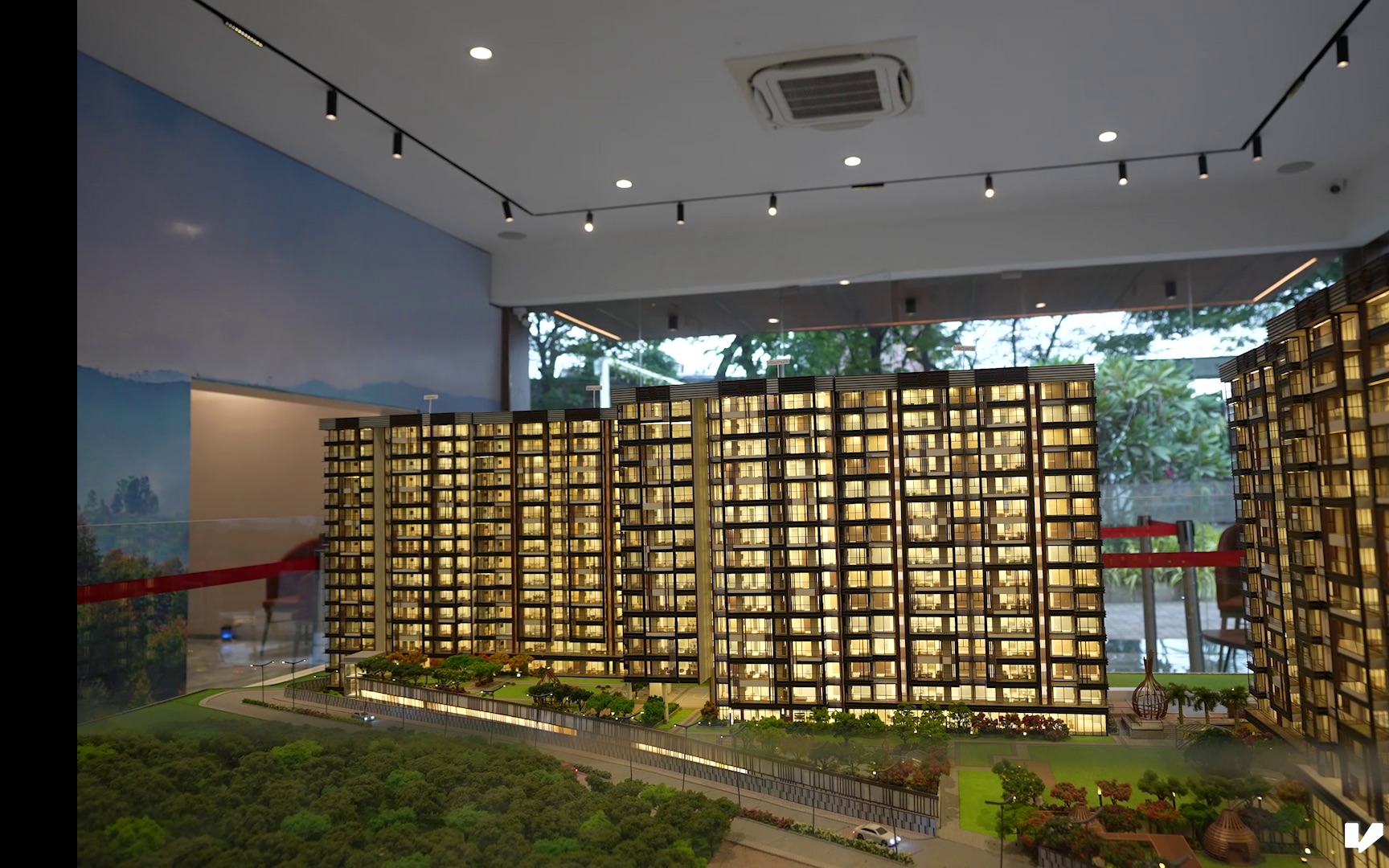
Put paint options, flooring choices, and furniture toggles right next to the view. Let buyers see changes instantly. No waiting. No "contact us for options." They tap a button and the wall color changes in real time.
This does two things: First, it makes the property feel like theirs. The moment they pick a sofa set or choose a wood finish, they've mentally moved in. Second, it captures intent. A buyer who customizes is a serious buyer. Your CRM should log every selection they make.
V-estate's customization layer makes this seamless. Buyers control lighting, weather, time of day. They see how the unit looks at sunrise and sunset. That level of detail answers questions your sales team would take twenty minutes to explain.
Vicinity maps answer the connectivity question first
Location always comes up. "How far is the school? Where's the nearest metro? What's being built nearby?"
Don't make buyers ask. Build a compact, interactive vicinity map into the touchscreen. Show current amenities and upcoming infrastructure. Mark transit lines, schools, hospitals, shopping districts.
V-estate includes mapping that highlights connectivity and convenience. It puts the lifestyle story in the buyer's hands. They don't need a sales rep to walk them through it. They can explore on their own terms.
This also keeps foot traffic moving. Buyers who get stuck waiting for answers leave. A good vicinity map keeps them engaged.
Guided micro-flows keep sessions moving toward conversion
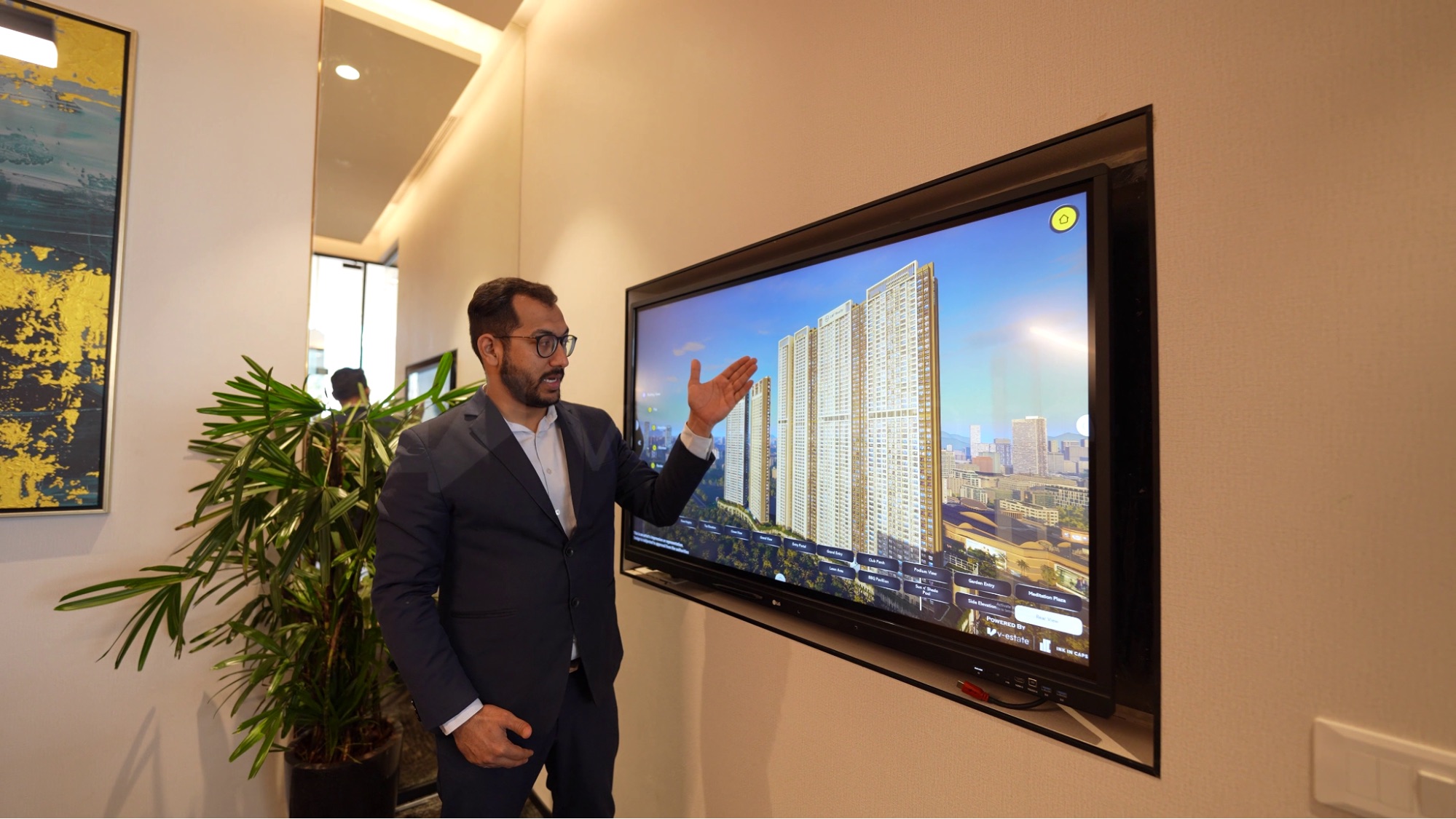
Break the experience into short, focused flows. 30 to 60 seconds each. Façade to foyer. Foyer to living room. Living room to balcony.
Each micro-flow ends with a decision point: Save This Unit, Compare with Another, Book a Site Visit. Never leave a buyer stranded. Always offer a clear next step.
Long, unstructured sessions lead to drop-offs. Short, guided paths lead to conversions. Track which micro-flows get the most engagement. Test different sequences. Optimize based on real behavior.
Kiosk performance must be instant and offline-ready
A slow touchscreen kills conversions. Buyers will walk away if assets take more than two seconds to load. That means local hosting, edge caching, and pre-rendered 3D models.
V-estate runs entirely offline once assets are loaded. No network delays. No buffering. Just smooth, 60 FPS interaction. This is critical in trade shows, experience centers, and remote sales lounges where connectivity is unreliable.
Touch targets must be at least 48 pixels. Progress indicators should always show where the buyer is in the flow. No hidden functions. No mystery navigation. Every control should be visible and labeled.
After two minutes of inactivity, reset the session. Save any customizations to the CRM if the buyer opted in. Never lose a lead because the system didn't capture their choices.
Log every interaction for continuous improvement
Your touchscreen is a data goldmine. Track dwell time on each screen. Log every CTA tap. Measure drop-off points.
This data tells you what's working. If buyers are spending three minutes on the balcony view but skipping the amenities screen, adjust your flow. If "Book Visit" gets more taps than "Compare Units," prioritize that action.
V-estate's analytics layer logs navigation patterns. Use this to iterate. Test headline phrasing. Test CTA labels. Test image placement. Small changes compound into higher conversion rates.
Train your sales team to leverage the tool
The touchscreen isn't a replacement for your sales team. It's a force multiplier. Train your reps to resume a buyer's session instantly. If a buyer spent five minutes customizing a unit, your rep should pick up exactly where they left off.
Use the touchscreen to generate personalized exports. One-click PDF summaries. One-click email with the unit, finishes, and view the buyer explored. This gives your team a warm handoff instead of a cold start.
Follow up within 24 hours. The buyer's selections are your talking points. You already know what they care about. Use it.
Measurable benefits for your project
Shorter sales cycles. Buyers who interact with a well-designed touchscreen make decisions faster. Higher lead quality. Customization and session saves signal strong intent. Lower onsite workload. Sales reps spend less time explaining basics and more time closing.
V-estate delivers these results across sales lounges and experience centers. It's not about flashy tech—it's about removing friction from the buying journey.
Launch checklist
Before you go live:
Verify all CTAs are visible above the fold.
Confirm local caching of large 3D assets.
Add event logging for every interaction.
Prepare a one-page export with saved customizations.
Test the session reset and timeout behavior.
Then measure. Track conversions. Track dwell time. Track CTA completion rates. Iterate based on real behavior, not assumptions.
Sales lounges are high-stakes environments. Your touchscreen experience either converts walk-ins or wastes them. Keep it fast. Keep it clear. Keep it focused on the buyer's decision. Photorealistic walkthroughs, instant customization, and offline-ready performance are non-negotiable.
Start with a focused pilot. Three screens: hero view, customization, one-click export. Test it in your highest-traffic lounge. Measure results. Scale what works.