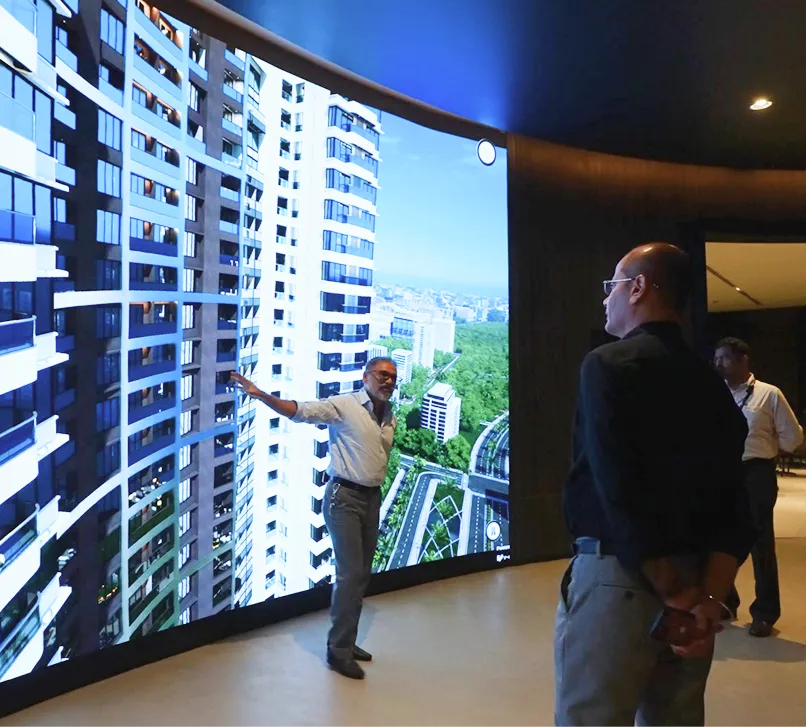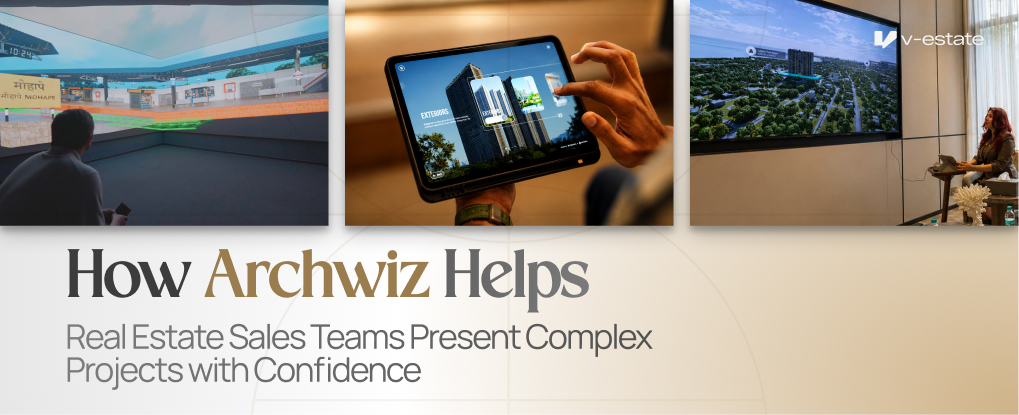
Large township projects and multi-tower developments are difficult to explain with static materials. Buyers struggle to picture how everything fits together, and sales teams often end up over-explaining instead of showing, which slows down what should be a straightforward decision-making process. Archwiz was designed to solve exactly this problem, giving sales teams a structured, visual way to walk buyers through even the most complex developments.
Quick answer: Archwiz helps real estate sales teams present complex, large-scale projects by turning township layouts, tower comparisons, and unit selection into an interactive, visual experience — making it easier for buyers to understand scale and make faster decisions without repeated site visits.
Sales Challenges
Large projects involve multiple towers, phases, and unit types, which are difficult to communicate clearly through brochures or verbal explanation alone. This often leads to buyer confusion, longer decision timelines, and a heavier burden on sales staff to repeat the same explanations across multiple visits, particularly when different buyers ask about different towers or phases on the same day.
Interactive Storytelling
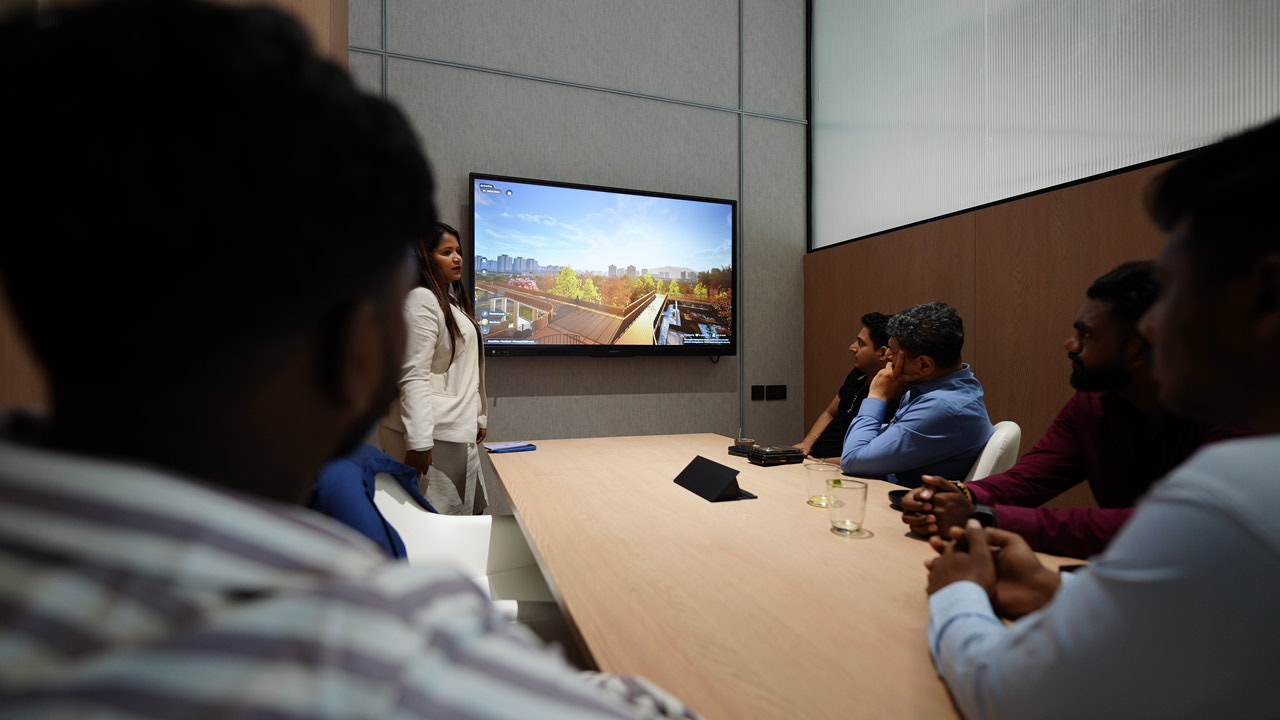
Archwiz allows sales teams to guide buyers through a project narrative interactively — starting from the overall township, zooming into a specific tower, then down to an individual unit — creating a clear, logical flow to the presentation that mirrors how buyers naturally think through a decision. This structured progression also helps newer sales executives present with the same confidence as more experienced team members.
Township Visualization
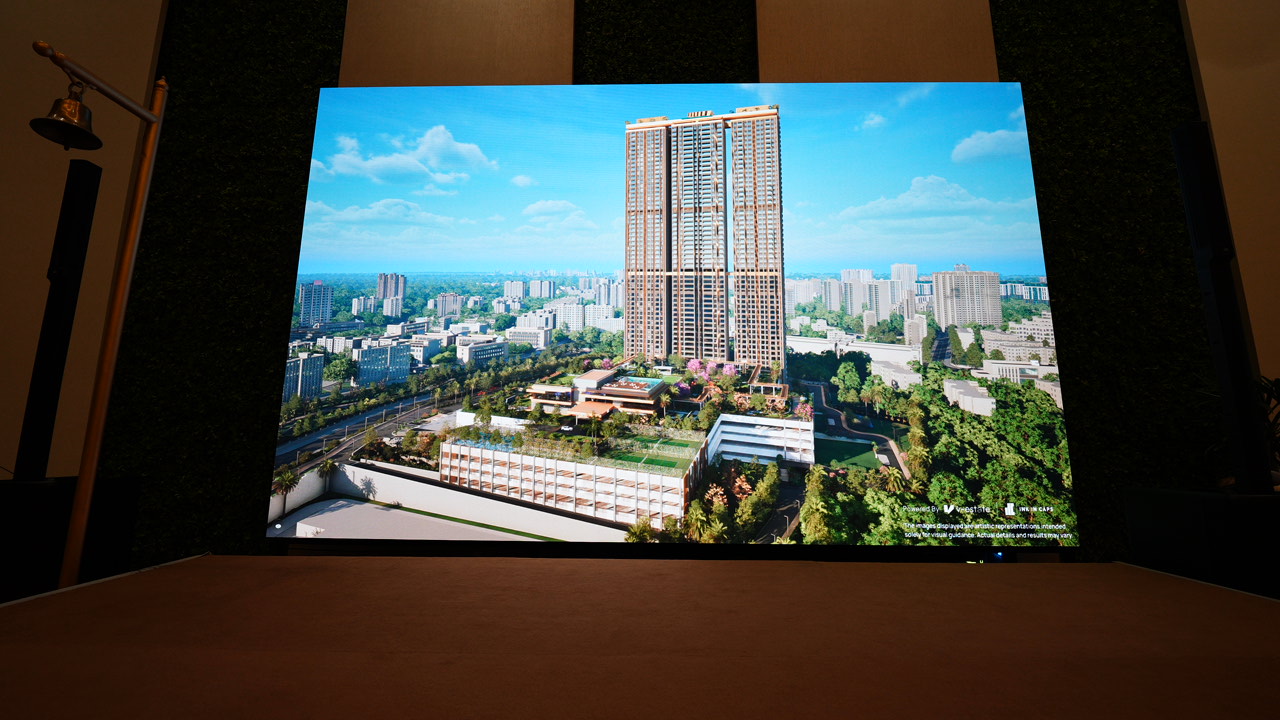
Buyers can see the entire township layout, understanding how roads, amenities, and towers are positioned relative to each other, which is difficult to convey through 2D master plans alone and often leads to confusion in traditional presentations. Seeing the layout in context also helps buyers understand practical factors like walking distance to amenities or proximity to entry gates.
Tower Comparison
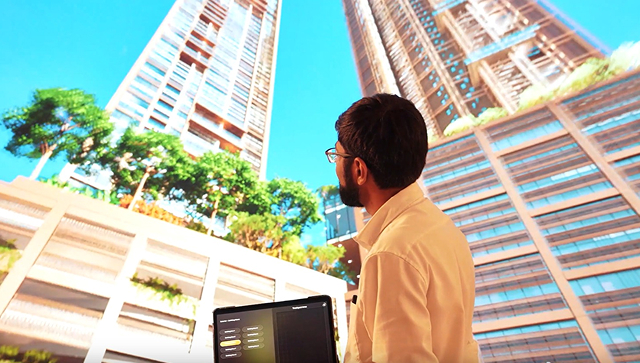
Sales teams can present multiple towers side by side, helping buyers compare views, positioning, and pricing across different parts of the same project without needing to physically walk between different areas of a sales centre. This is particularly useful in phased townships where pricing or amenities vary meaningfully between towers.
Unit Selection
Within a chosen tower, buyers can explore specific units, compare layouts, and understand orientation and views — all without walking through physical show flats for every configuration available. Buyers can also revisit earlier options during the same session, something that's far harder to do with physical show flats spread across a site.
Live Presentations
Because Archwiz runs live at the sales centre, sales executives can adapt the presentation in real time based on buyer questions and interests, rather than following a fixed script that may not address what the buyer actually cares about. This flexibility often makes the difference between a generic pitch and one that feels tailored to that specific buyer's priorities.
Faster Decision Making
By reducing the back-and-forth of trying to explain complex layouts verbally, buyers reach clarity — and often a decision — faster than they would with static materials alone, cutting down the number of visits needed before a booking. For developers, this also means shorter sales cycles across the entire project.
Real Business Outcomes
Developers using interactive sales tools like Archwiz often see improved buyer confidence and shorter sales cycles, since the presentation itself removes much of the confusion that typically slows decision-making on large, multi-phase projects. This is particularly valuable during launch phases, when first impressions at the sales centre often determine how quickly early inventory moves.
Present Complex Projects with Clarity
If explaining your township or multi-tower project is slowing down your sales conversations, Archwiz can change that. Reach out to see how Archwiz simplifies complex project presentations.